9.2 Store Panel Menus Overview
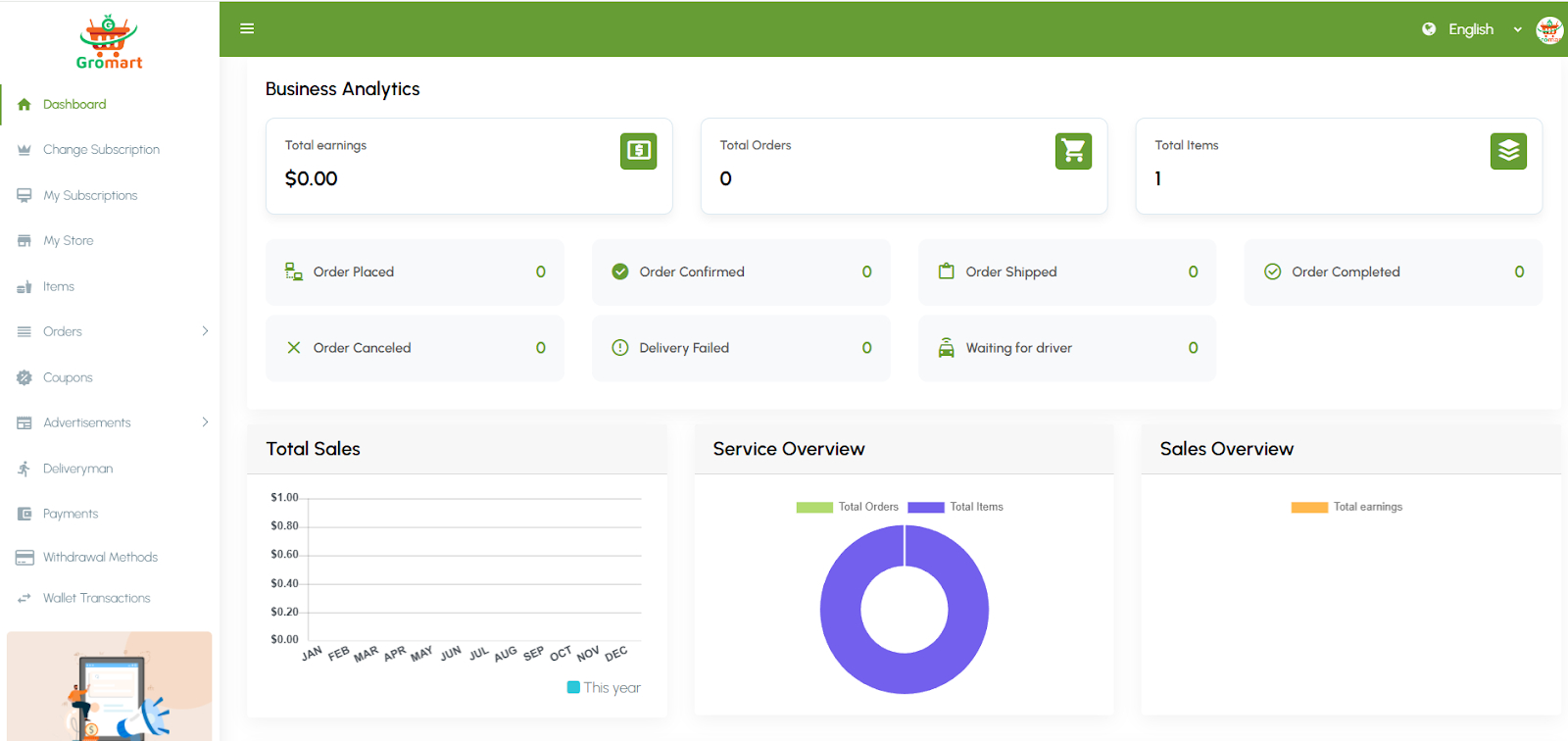
9.2.1. Dashboard
Provides an at-a-glance overview of the vendor’s business operations. Displays analytics such as total drivers, active orders, completed orders, ongoing orders, latest orders, top-performing drivers, and overall earnings summary. Helps vendors quickly monitor performance, track fleet efficiency, and make informed operational decisions.
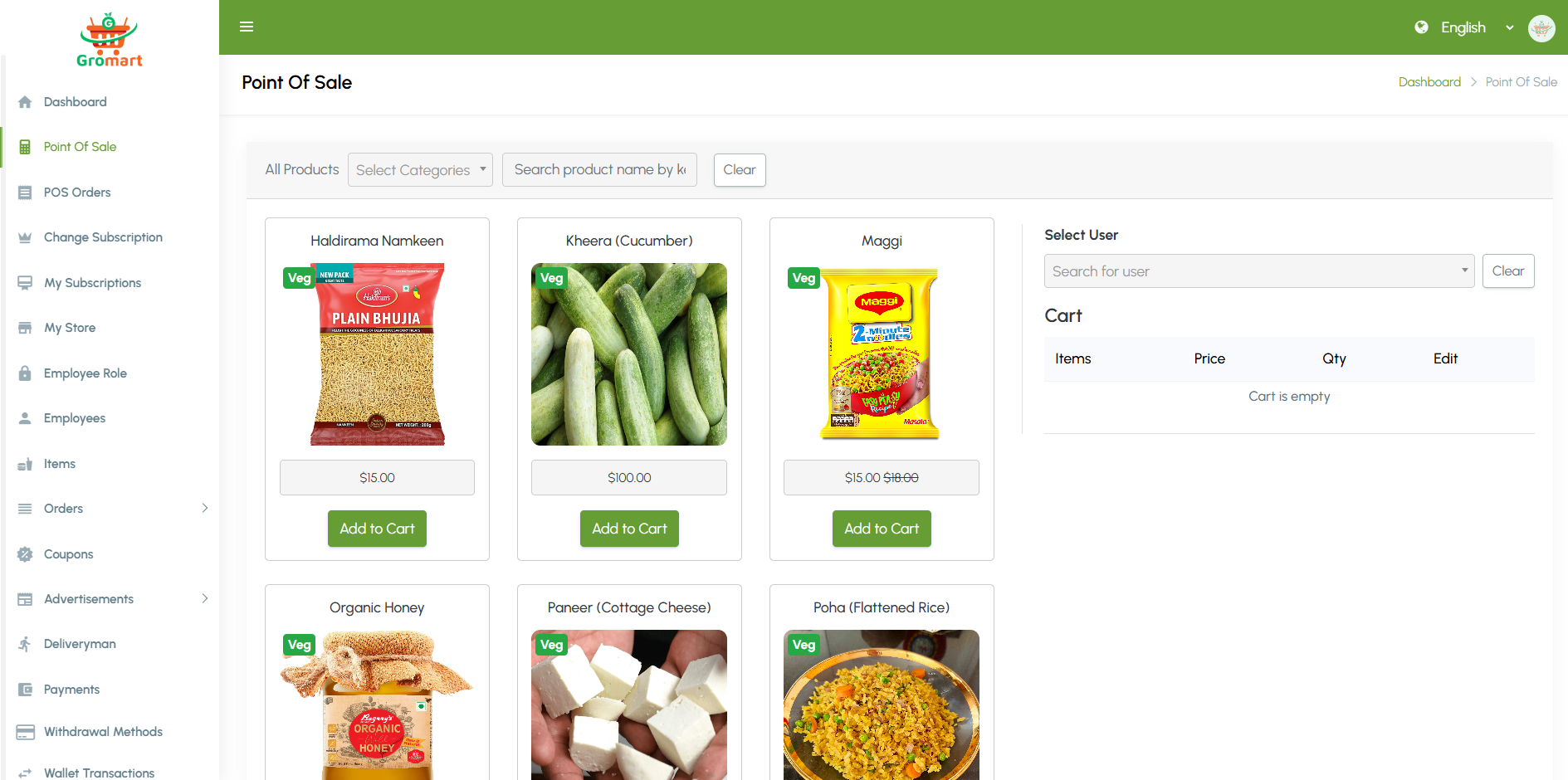
9.2.2. Point of Sale
Manage in-person or counter sales using the Point of Sale system. This feature allows staff to quickly create orders, add products or services, apply taxes, and process payments in real time. It’s ideal for handling walk-in customers, improving checkout efficiency, and keeping all transactions synchronized with platform order records.
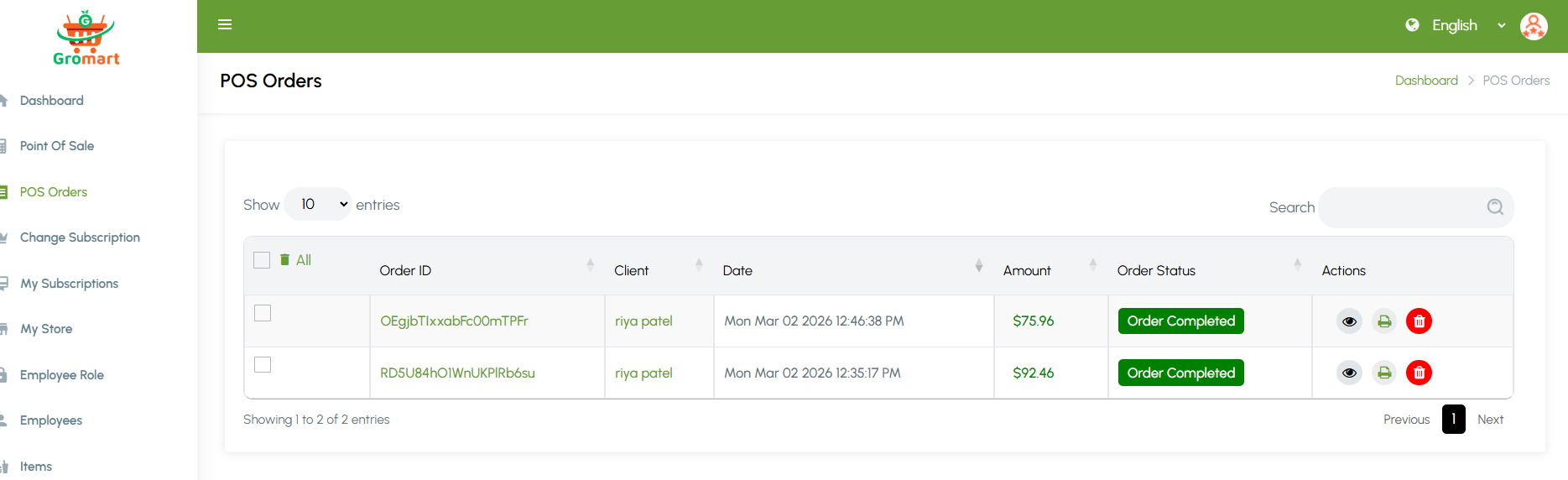
9.2.3. POS Orders
View and manage all orders generated through the Point of Sale system. This section provides access to order details, item breakdowns. It helps track sales activity, resolve disputes, generate reports, and maintain accurate records
9.2.4. Document Verification
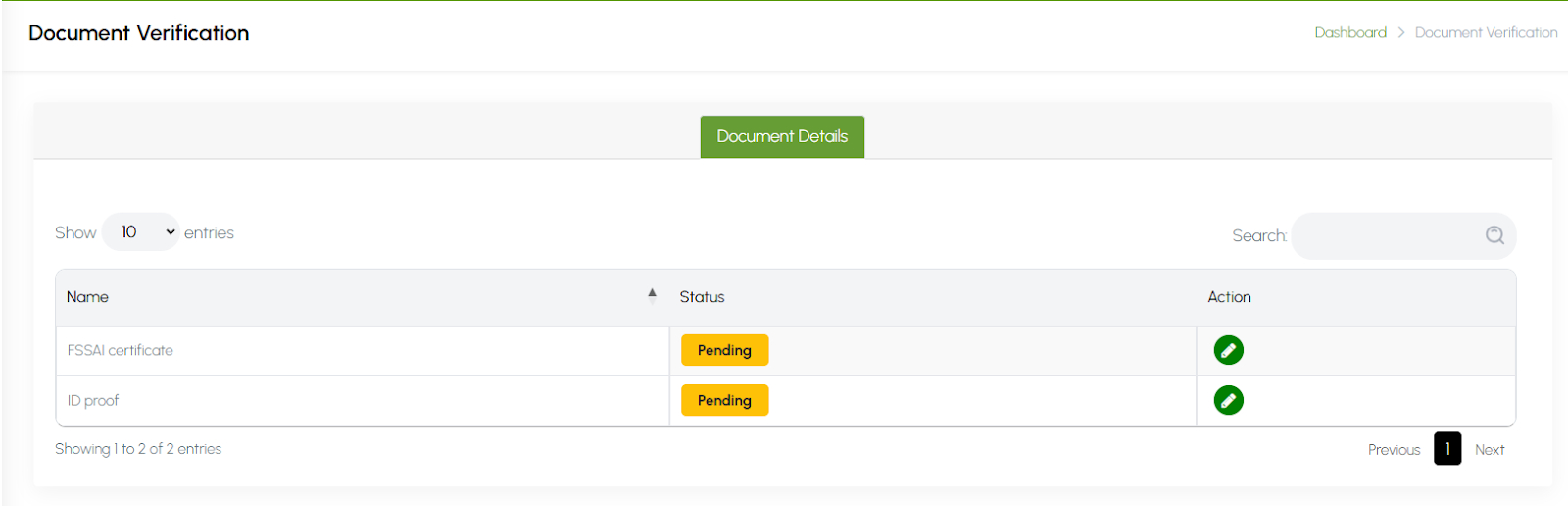
Document Verification allows vendors to securely upload and submit required documentation for approval. This can include identity proof, business licenses and other necessary certificates. The system ensures that all submitted documents are verified before activating the vendor’s account, helping maintain compliance, safety, and trust on the platform.
9.2.5. Change Subscription
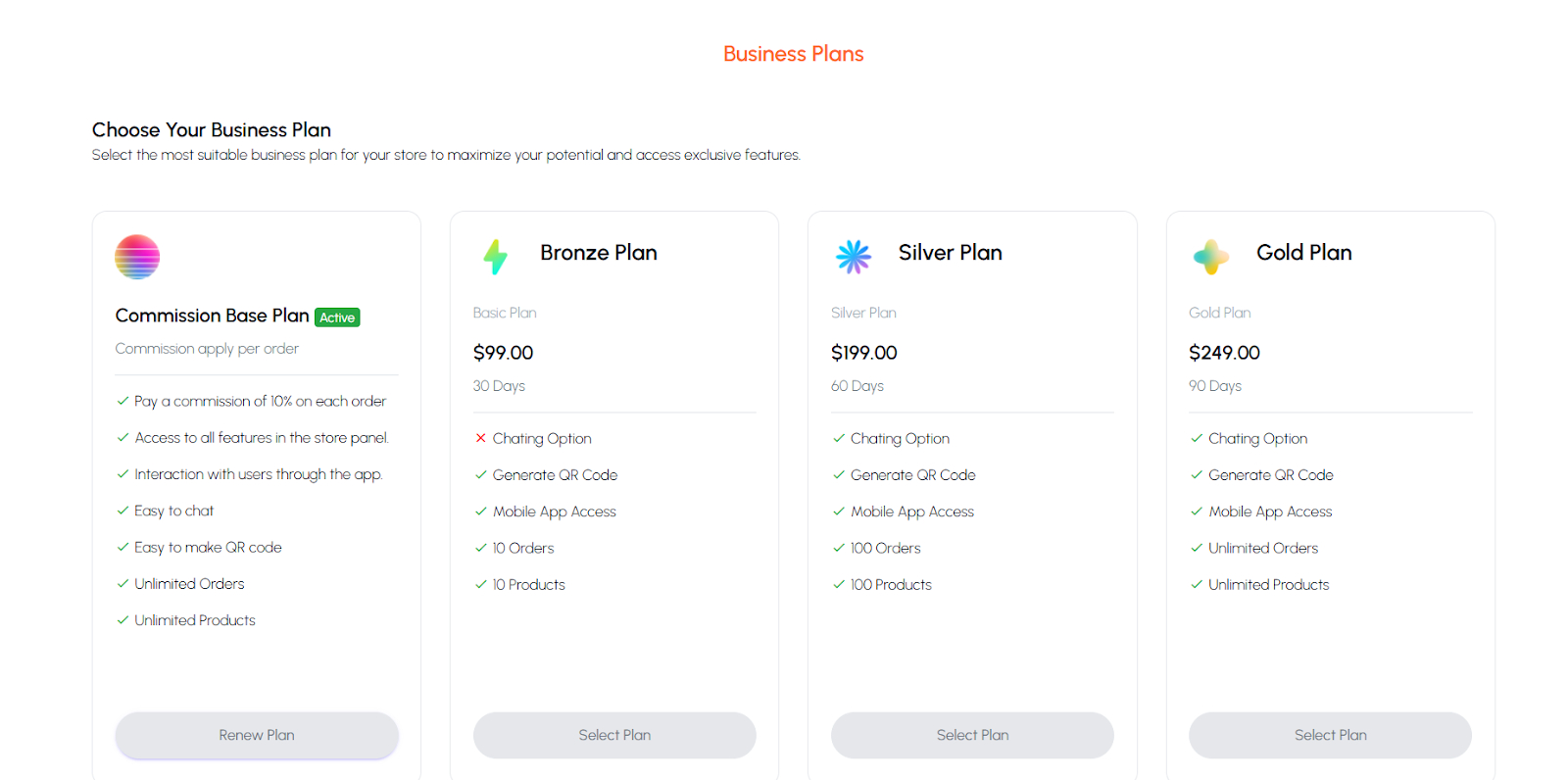
The Change Subscription feature allows vendors to upgrade, downgrade, or switch their current subscription plan. It provides details of available plans, pricing, features, and renewal options. This helps vendors select the most suitable plan for their business needs, ensuring access to desired features and optimal platform usage.
9.2.6. My Subscriptions
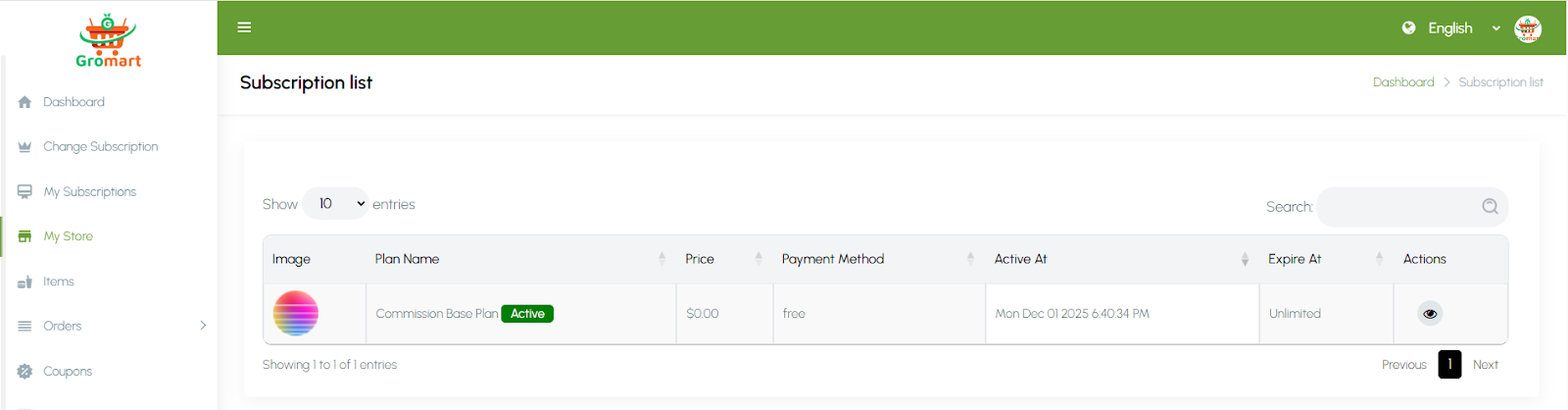
The My Subscriptions section allows owners to view and manage their active subscription plans on the platform. It displays details such as subscription type, start and expiry dates, features included, payment history, and renewal options. This helps owners keep track of their plan benefits, ensure uninterrupted access to platform services, and manage upgrades or renewals efficiently.
9.2.7. My Store
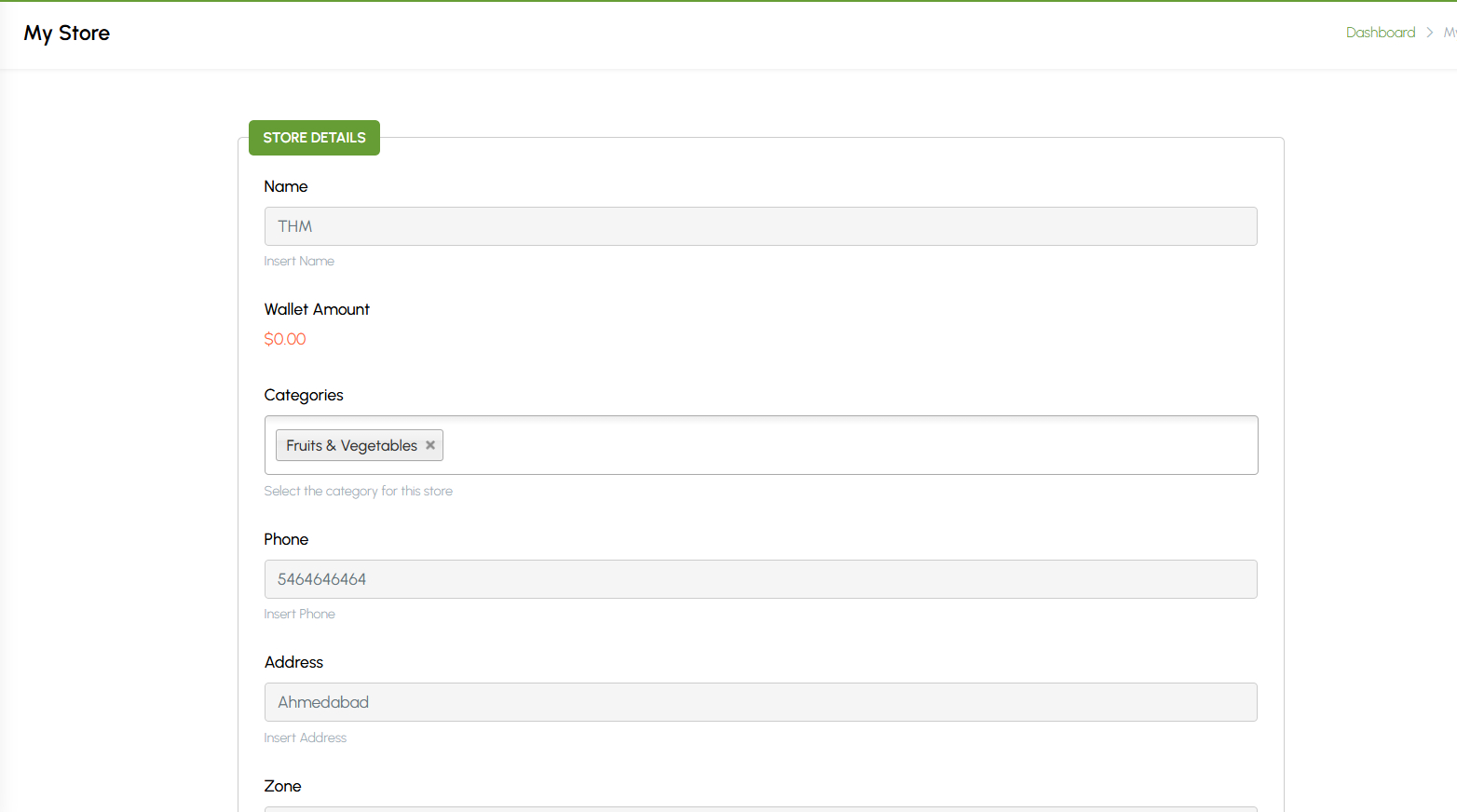
This section allows store owners to manage all key details of their own store from the vendor panel. Owners can update basic information such as name, logo, address, contact details, operating hours, and delivery settings. It also includes options to configure tax details, delivery radius, and store status (open/closed). This section ensures that vendors can easily keep their store information accurate and up to date, helping maintain consistency across listings and improving customer trust.
9.2.8. Items
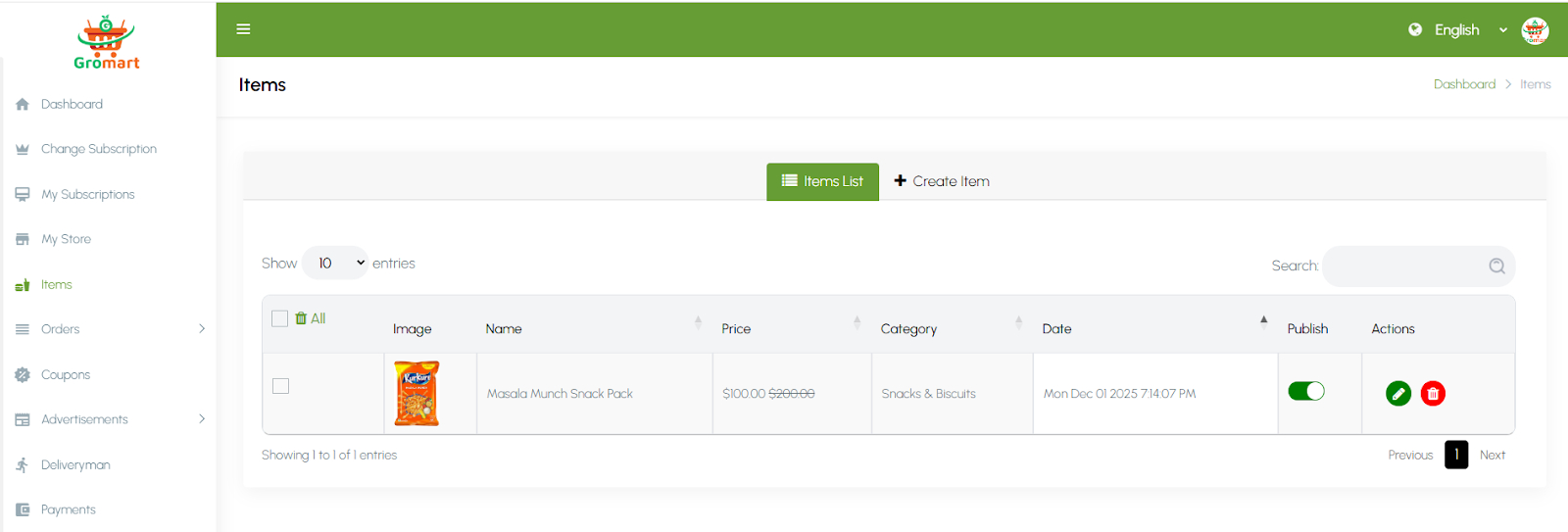
This section allows owners to manage all the item items listed under their store. Vendors can add, edit, or delete menu items and define details such as name, category, price, description, image, and availability status. They can also manage add-ons or variations like size and flavor. This section helps stores keep their menus organized, accurate, and appealing to customers, ensuring that available dishes are always up to date for online ordering.
9.2.9. Orders
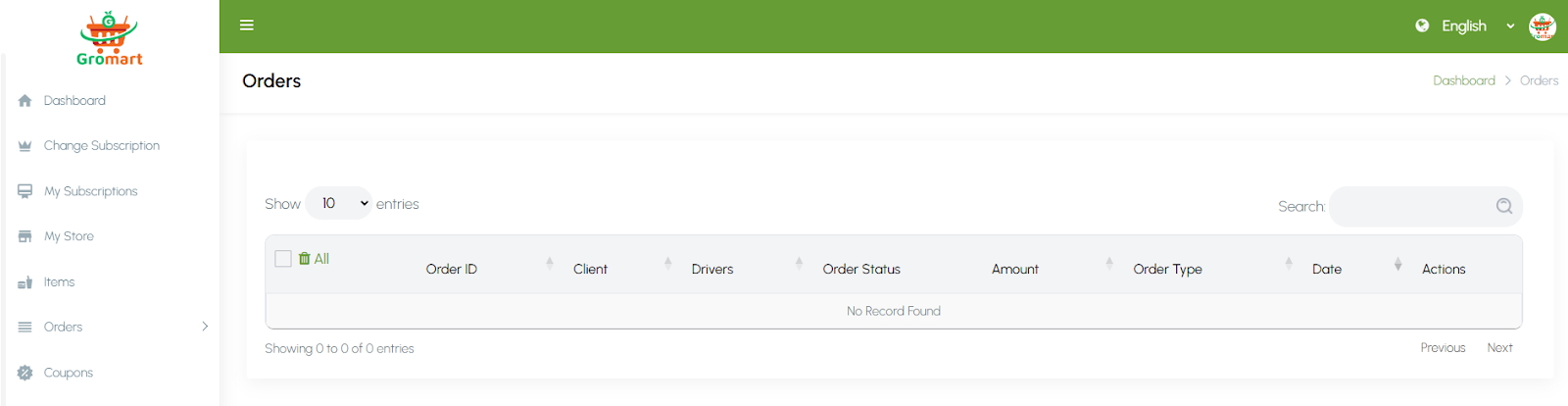
This section allows owners to view and manage all customer orders received by their store. Vendors can track order details such as customer information, order items, total amount, payment status, and delivery type. They can update order statuses — for example, accepted, preparing, ready for pickup, or delivered in real time. The section also supports order cancellation and delivery assignment. This feature ensures smooth order processing, efficient communication, and timely service for customers.
9.2.10. Coupons
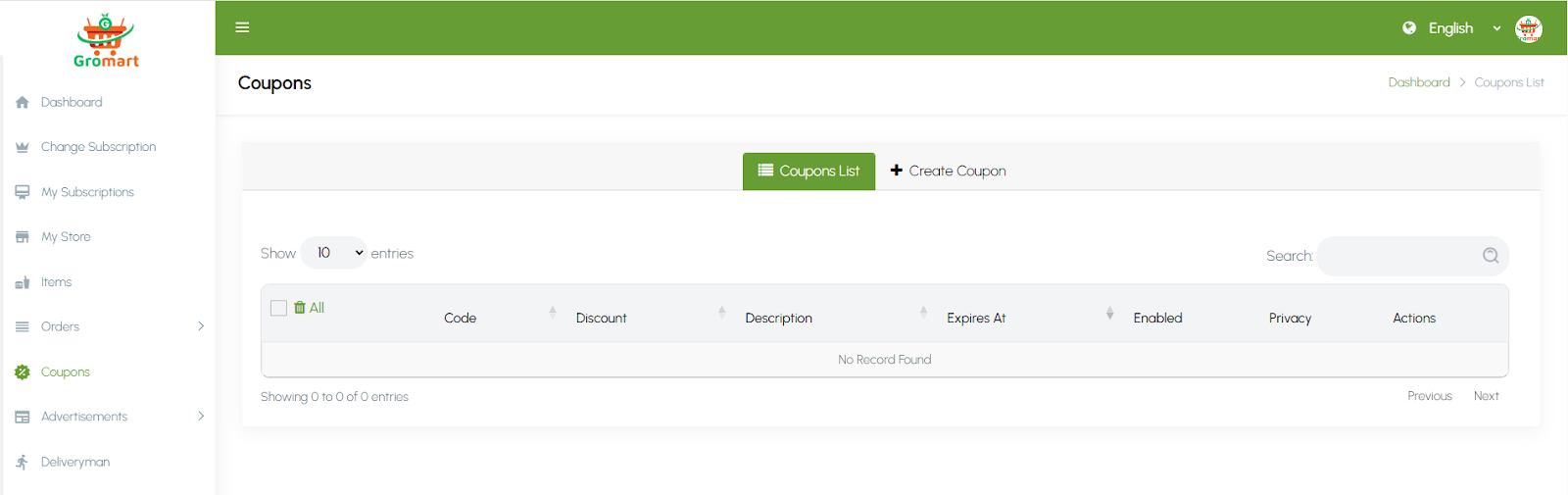
This section allows store owners to create and manage discount coupons for their customers. Vendors can define coupon codes, discount types (percentage or fixed), minimum order values, validity periods, and usage limits. Coupons can be applied to specific menu items or the entire store. This helps attract new customers, boost repeat orders, and promote special offers or events. The system automatically validates coupons during checkout, ensuring a smooth and rewarding experience for users.
9.2.11. Advertisements
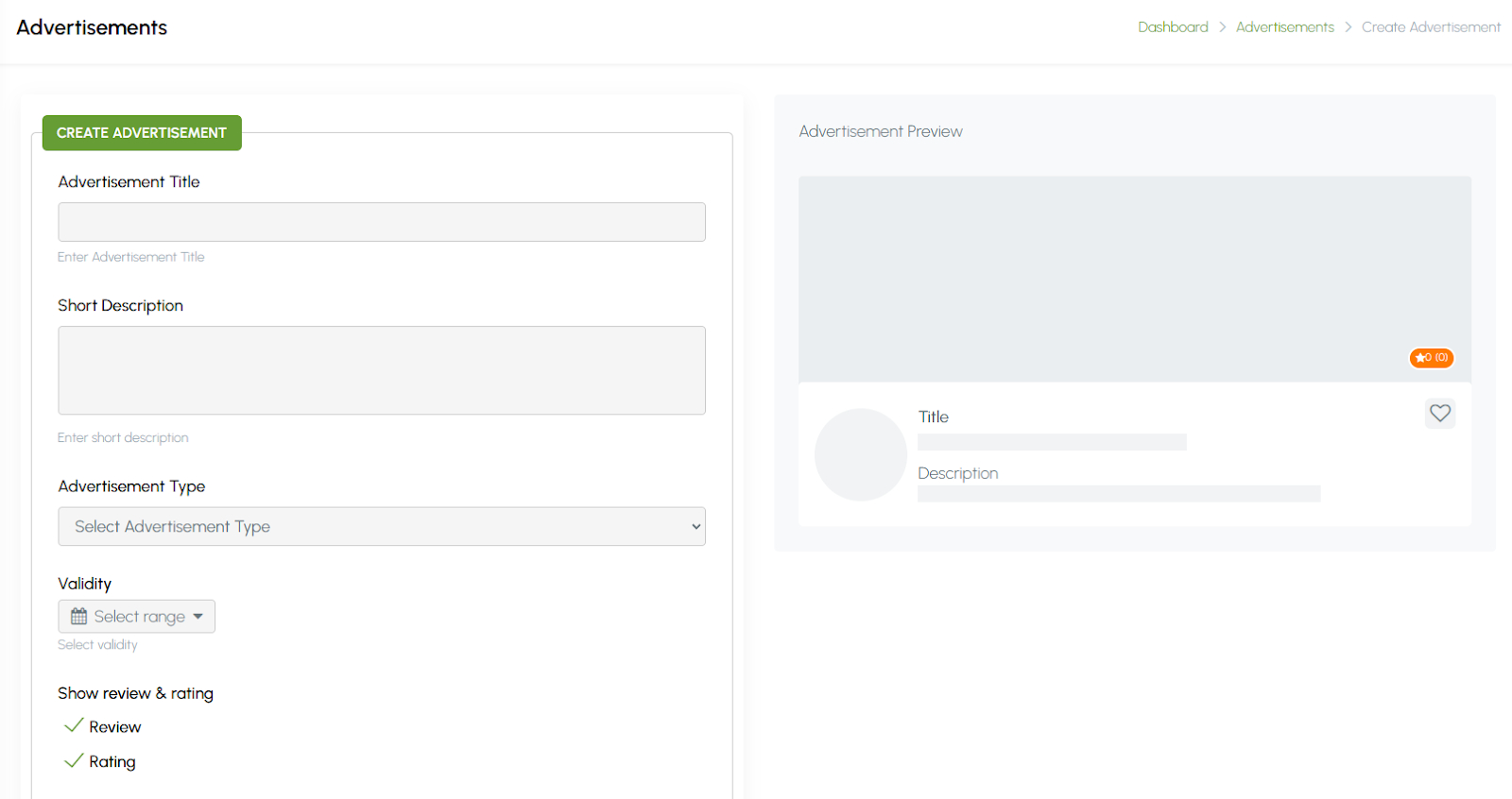
This section allows store owners to create and manage advertisements to promote their store or specific menu items. Vendors can upload banner images, set titles, add links, and choose where the ads will appear on the platform (such as homepage or category sections). They can also define the duration and visibility of each advertisement. This feature helps stores increase visibility, attract more customers, and highlight special offers or new dishes effectively.
9.2.12. Deliveryman
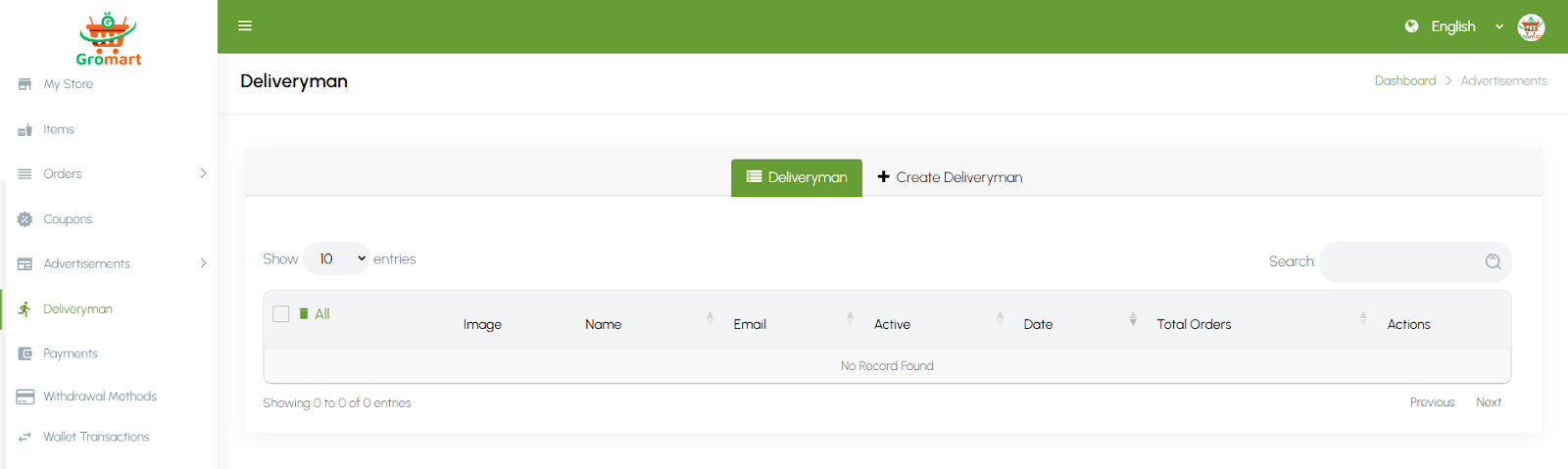
This section allows store owners to manage their own delivery staff when using the self-delivery option. Vendors can add, edit, or remove deliverymen and assign them to specific orders. Each deliveryman profile includes details such as name, contact information, and current status (available, busy, or inactive). Store owners can track delivery performance and ensure timely order completion. This feature provides flexibility for stores that prefer to handle deliveries independently rather than relying on the platform’s driver network.
9.2.13. Payments
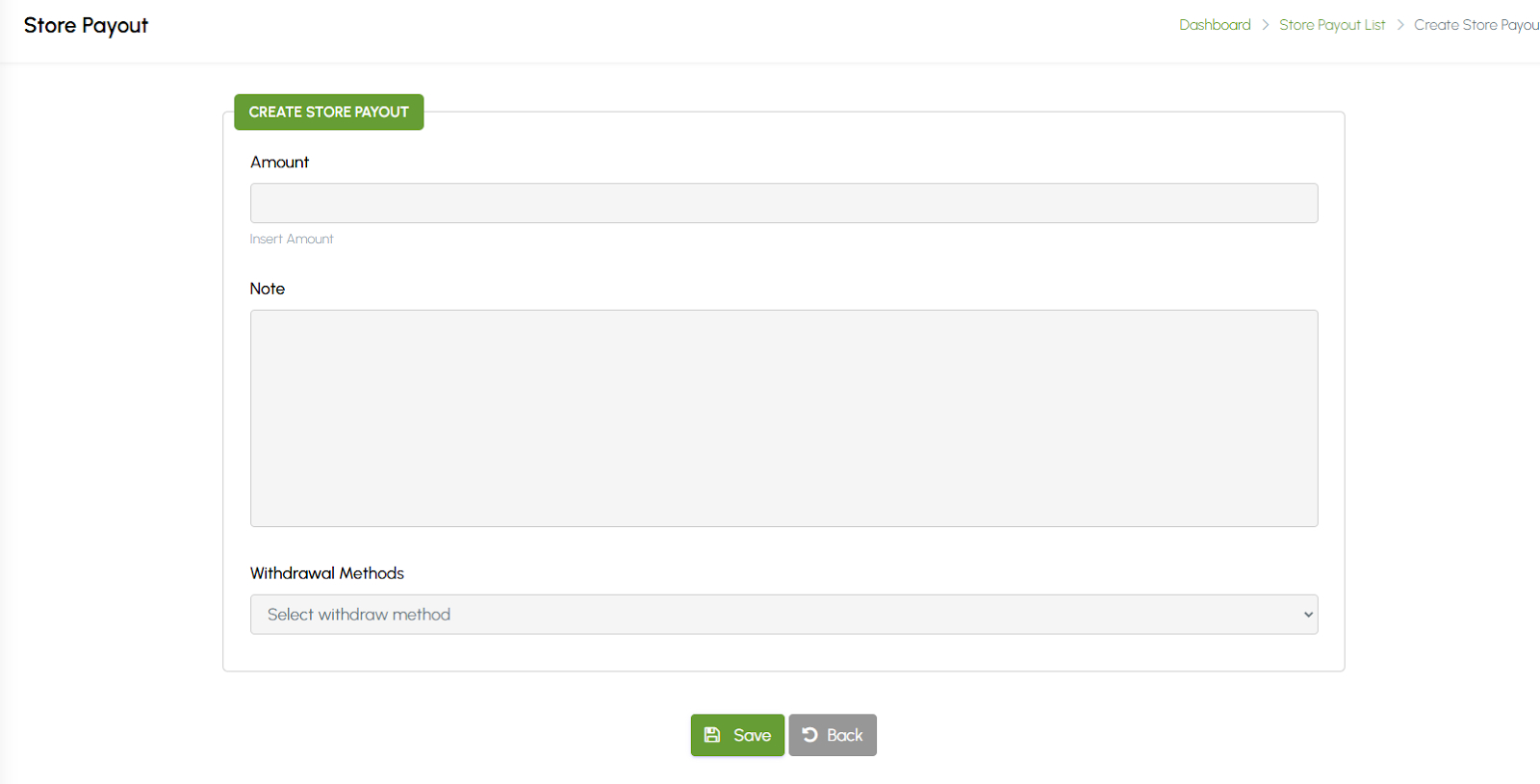
This section allows store owners to view and manage their earnings and payout history. Vendors can track total revenue, completed payouts, pending balances, and commission deductions. The system provides detailed transaction records, including payout dates, amounts, and payment methods. Store owners can also request withdrawals if manual payouts are enabled. This feature ensures full transparency of financial transactions and helps vendors monitor their income efficiently.
9.2.14. Withdrawal Methods
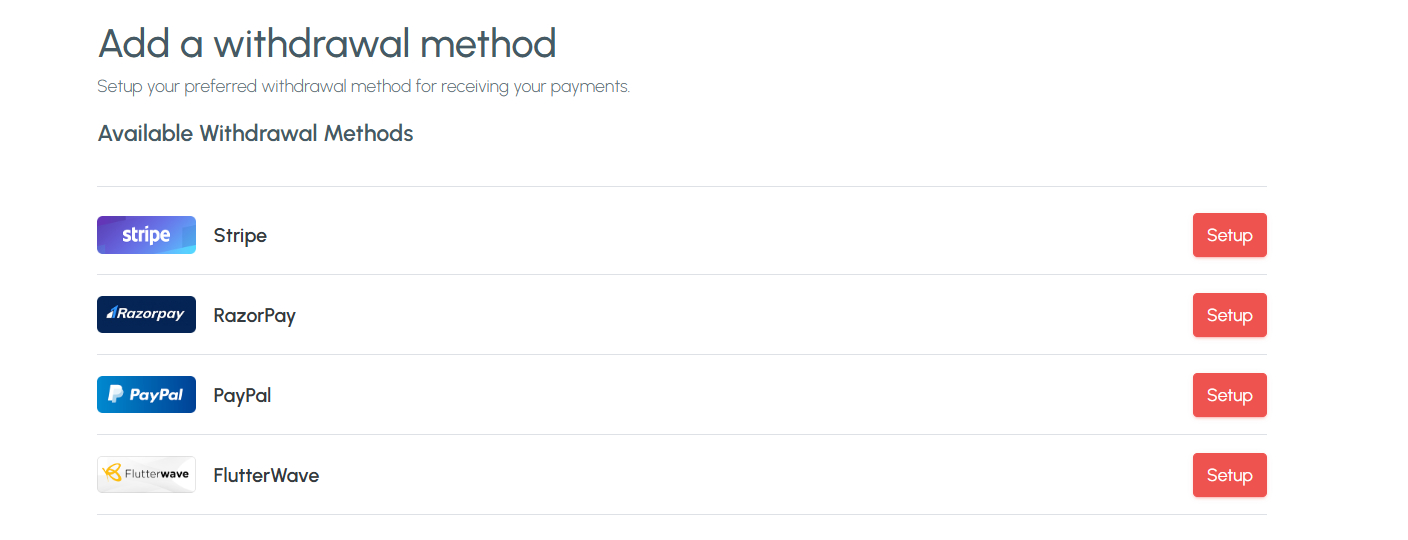
This section allows store owners to set up and manage their preferred payment methods for receiving payouts. Vendors can add or edit withdrawal options such as bank transfer, PayPal, or other supported methods by providing the necessary account details. Admins may review and approve these methods for security purposes. Having multiple withdrawal options ensures flexibility and convenience for vendors, allowing them to receive their earnings quickly and securely.
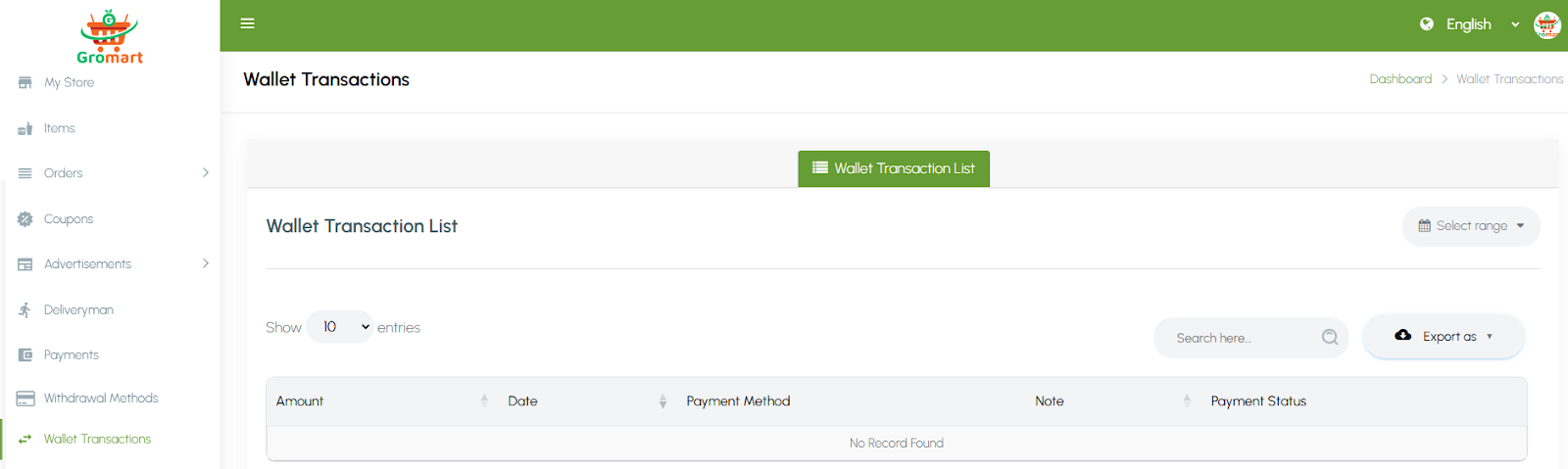
9.2.15. Wallet Transactions
This section allows store owners to view all wallet-related activities within their account. Vendors can track credit and debit transactions such as received payments, cashback, order adjustments, and withdrawals. Each transaction includes details like date, description, amount, and balance updates. This transparent record helps vendors monitor their financial flow in real time. The feature ensures accurate accounting and provides a clear overview of all wallet movements for better financial management.