11. Store Panel Menus Overview
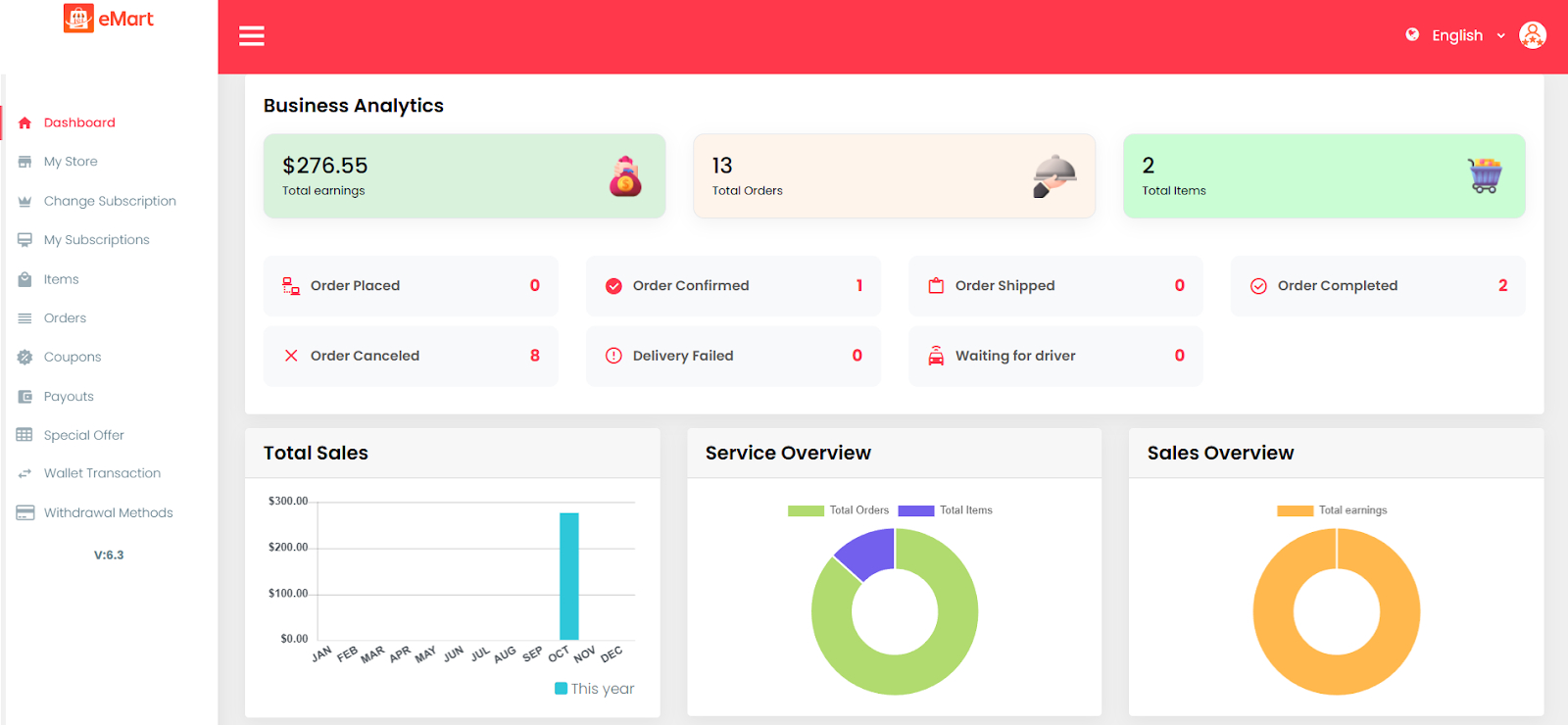
11.1. Dashboard
The Dashboard provides a summarized view of the platform’s key metrics and activities. It helps the vendor monitor business performance in real time.
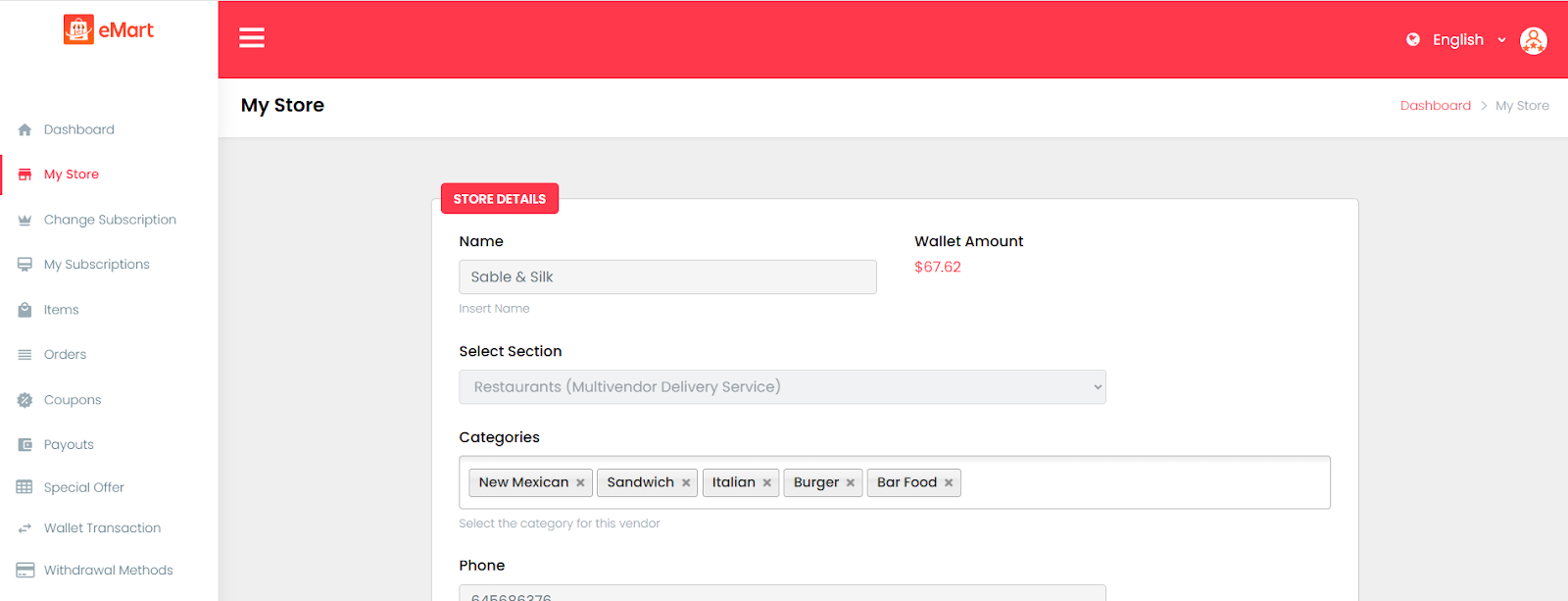
11.2. My Store
Used to manage the store’s profile and settings. The vendor can update business details such as name, address, contact info, operating hours, delivery settings, and logo or banner images. It helps keep the store’s information accurate and up to date on the platform.
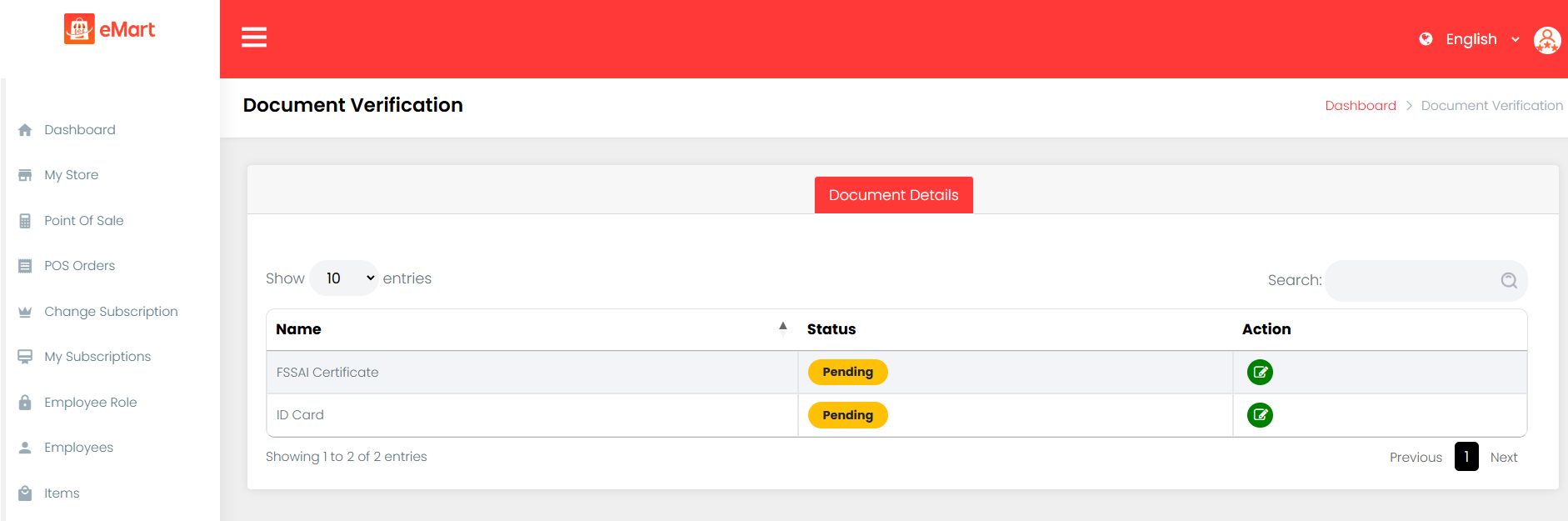
11.3. Document Verification
Document Verification allows vendors to securely upload and submit required documentation for approval. This can include identity proof, business licenses and other necessary certificates. The system ensures that all submitted documents are verified before activating the vendor’s account, helping maintain compliance, safety, and trust on the platform.
11.4. Change Subscription
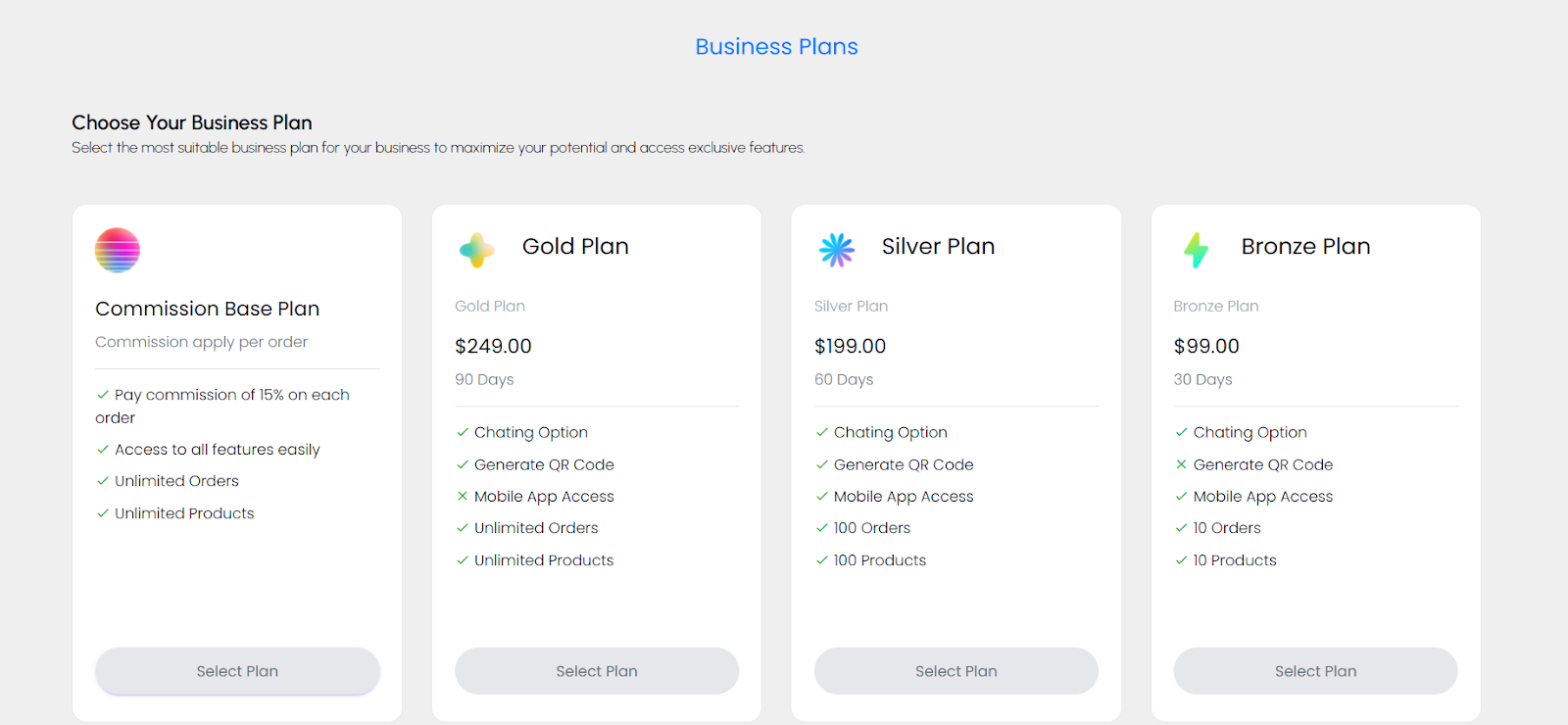
Used to view available subscription plans and upgrade the current plan. The vendor can select a new plan based on features, duration, or pricing to continue offering services on the platform.
11.5. My Subscriptions
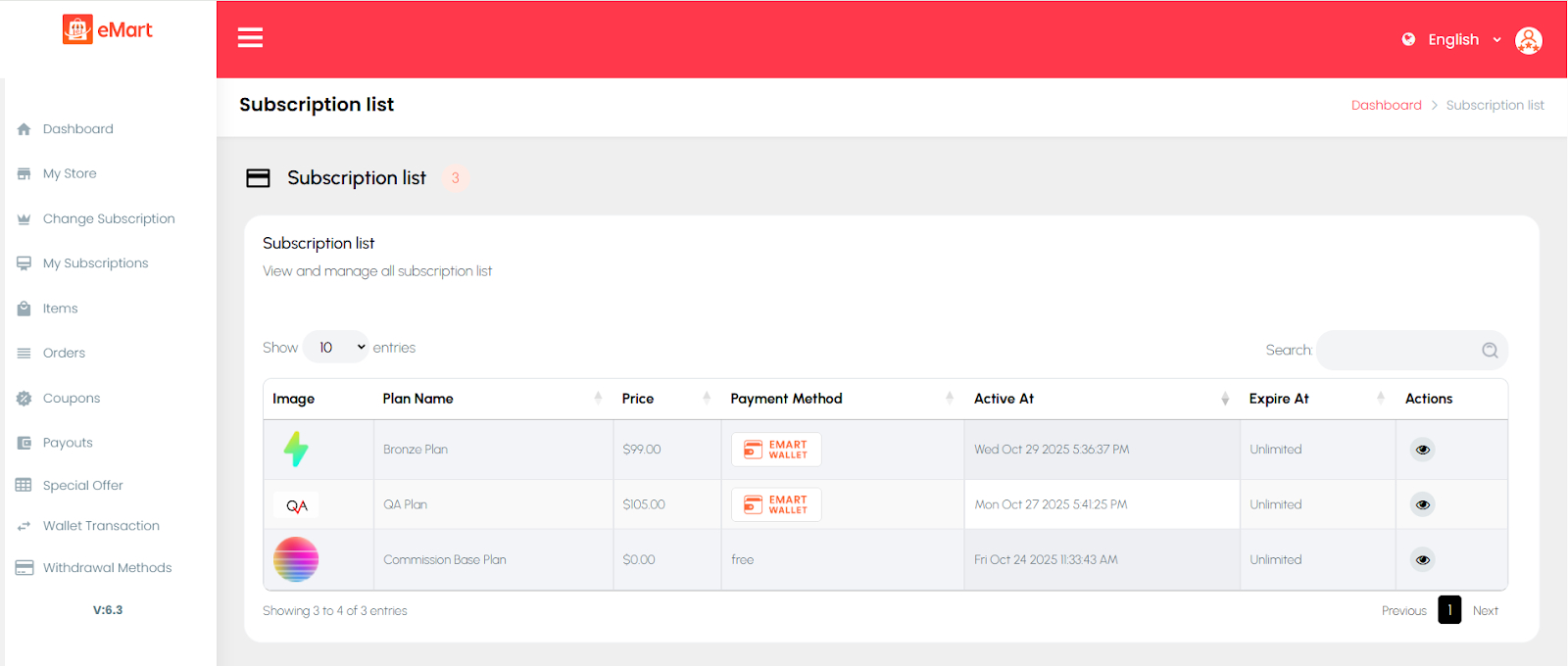
Used to view all current and past subscription details. The vendor can track plan validity, renewal dates, payment history, and active benefits associated with each subscription.
11.6. Items
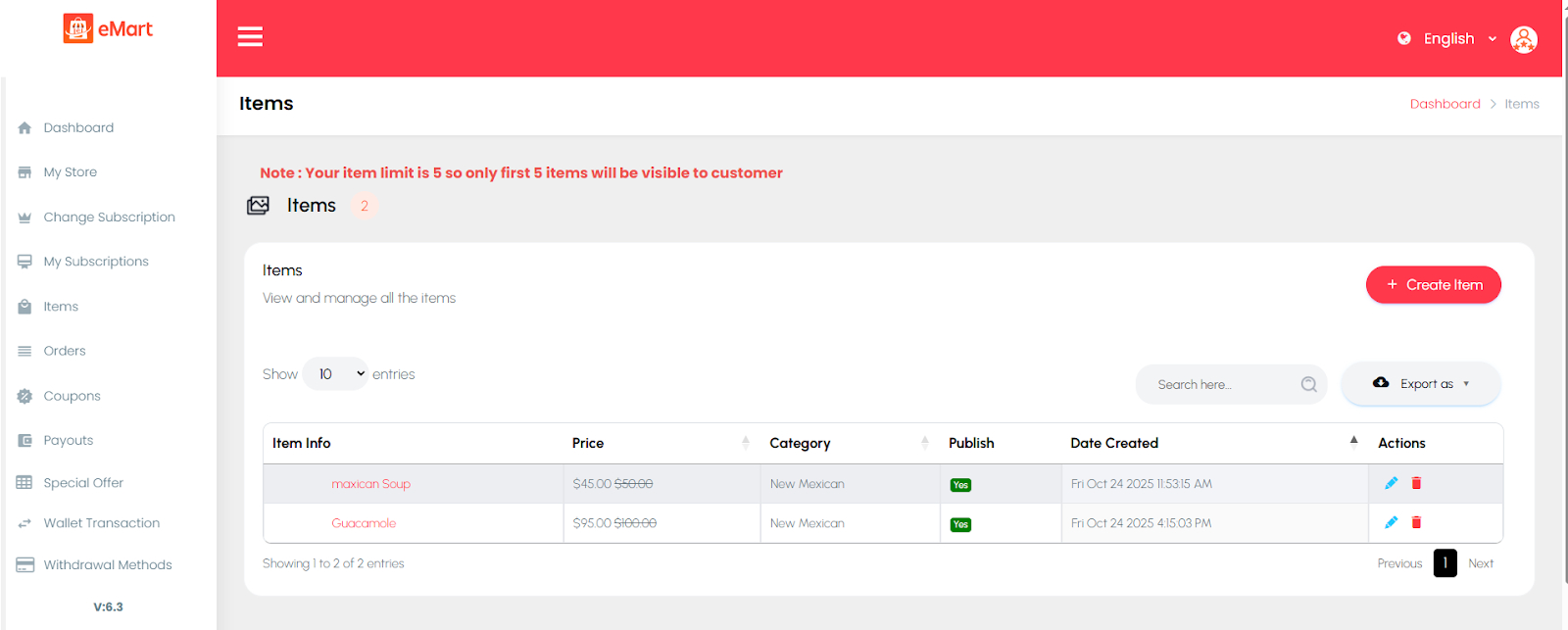
This section allows owners to manage all the items listed under their store. Vendors can add, edit, or delete menu items and define details such as name, category, price, description, image, and availability status. They can also manage add-ons or variations like size and flavor. This section helps stores keep their menus organized, accurate, and appealing to customers, ensuring that available dishes are always up to date for online ordering. Additionally, vendors can access and add items imported by the admin through the import items from Global Menu, allowing them to quickly populate their store with pre-created products.
11.7. Orders
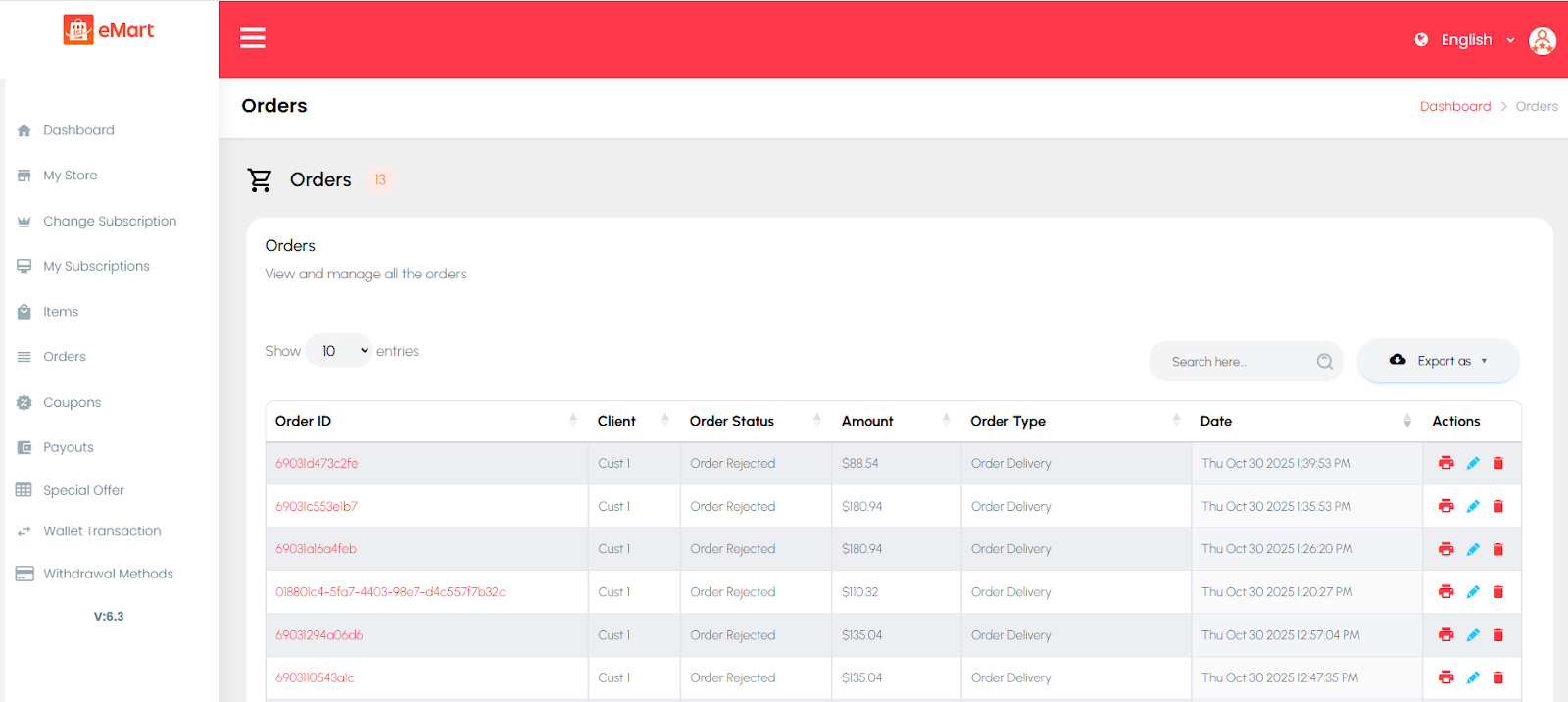
Used to view and manage all customer orders received by the store. The vendor can track order status (pending, confirmed, preparing, delivered, or cancelled), update progress, and view order details like items, customer info, and payments.
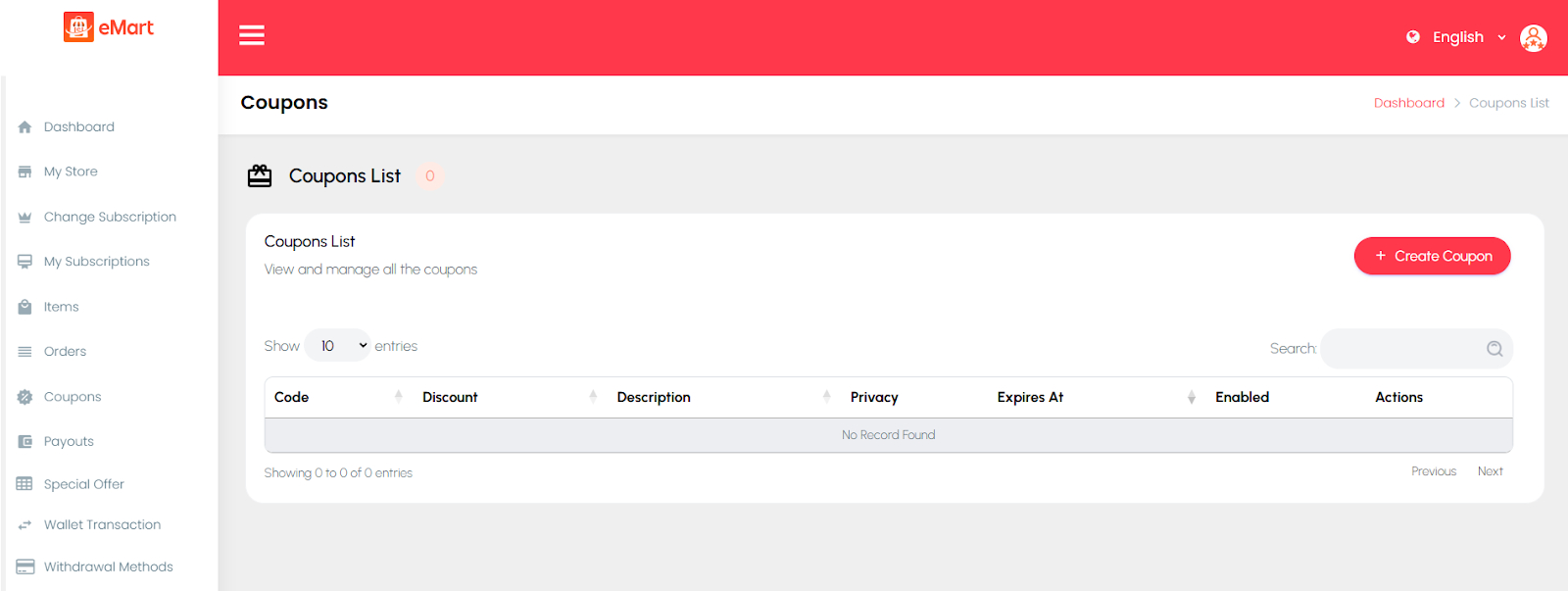
11.8. Coupons
Used to create and manage discount coupons specific to the store. The vendor can define coupon codes, set discount values, usage limits, and validity periods to attract more customers and boost sales.
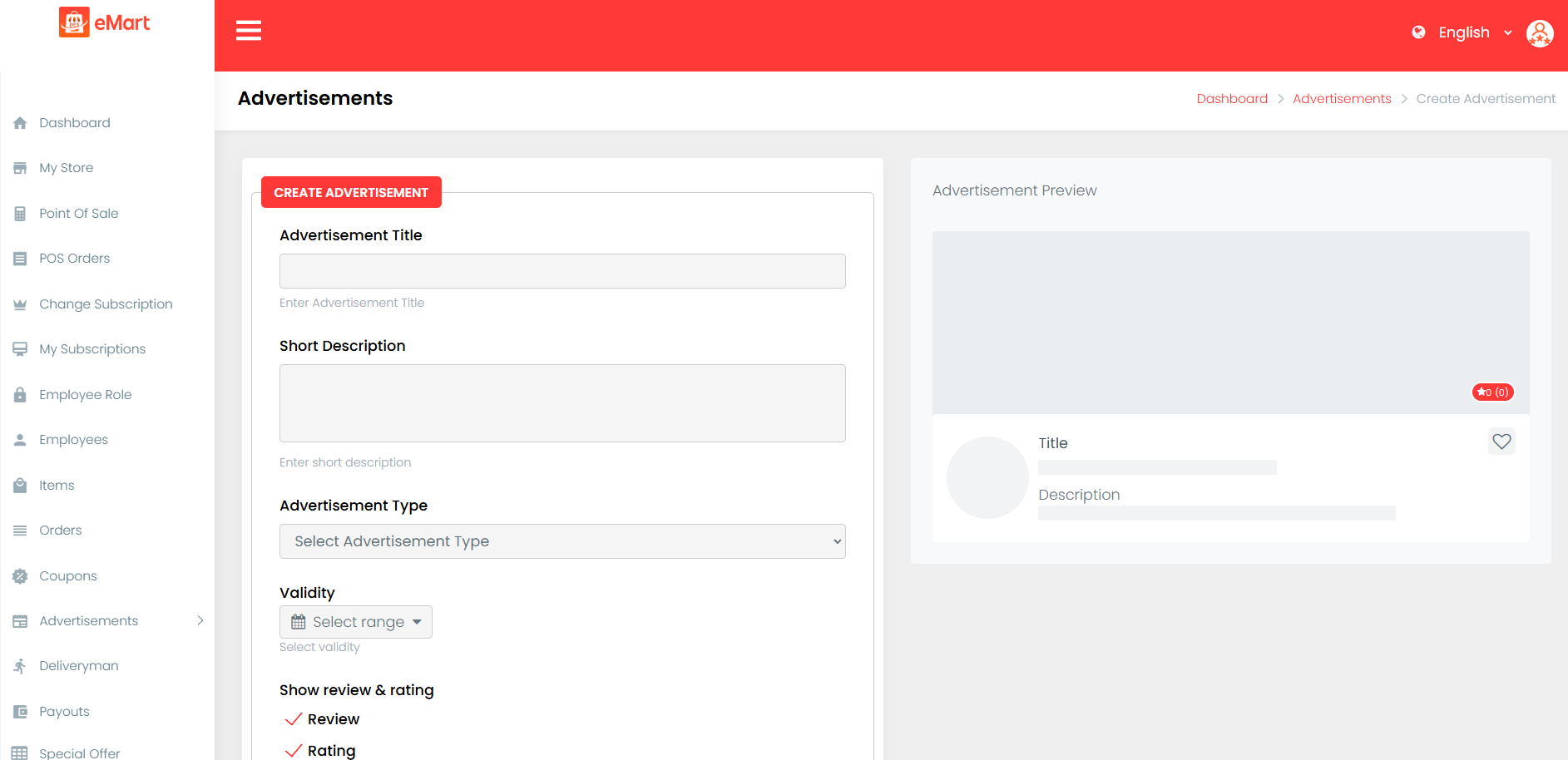
11.9. Advertisements
This section allows store owners to create and manage advertisements to promote their store or specific menu items. Vendors can upload banner images, set titles, add links, and choose where the ads will appear on the platform (such as homepage or category sections). They can also define the duration and visibility of each advertisement. This feature helps stores increase visibility, attract more customers, and highlight special offers or new dishes effectively.
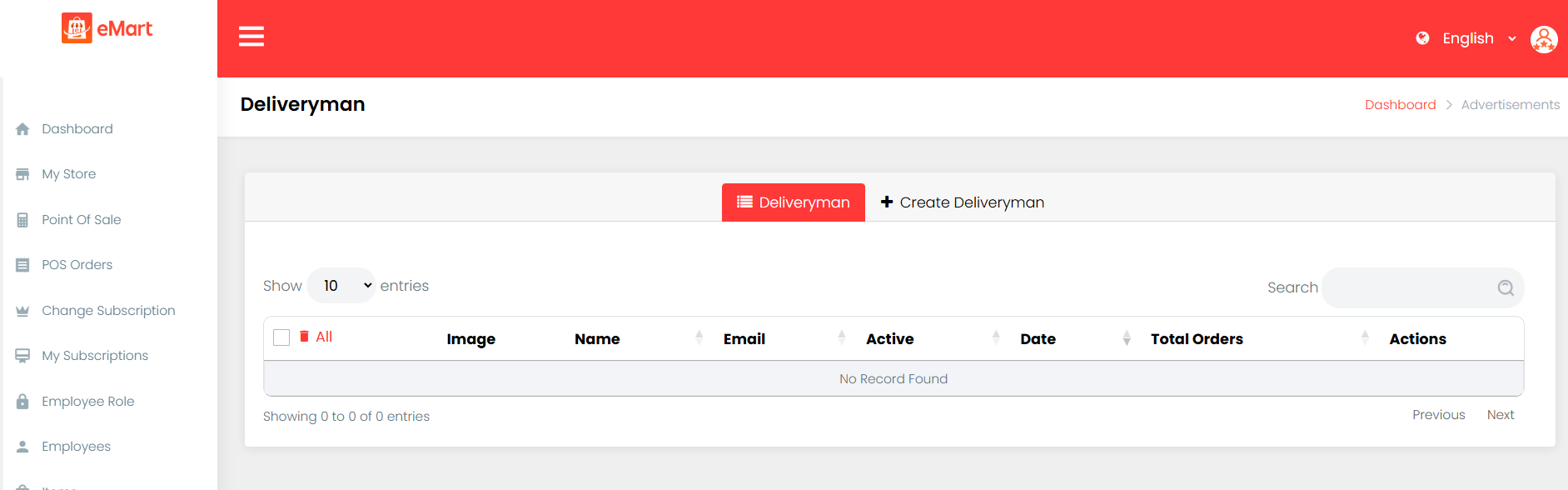
11.10. Deliveryman
This section allows store owners to manage their own delivery staff when using the self-delivery option. Vendors can add, edit, or remove deliverymen and assign them to specific orders. Each deliveryman profile includes details such as name, contact information, and current status (available, busy, or inactive). store owners can track delivery performance and ensure timely order completion. This feature provides flexibility for stores that prefer to handle deliveries independently rather than relying on the platform’s driver network.
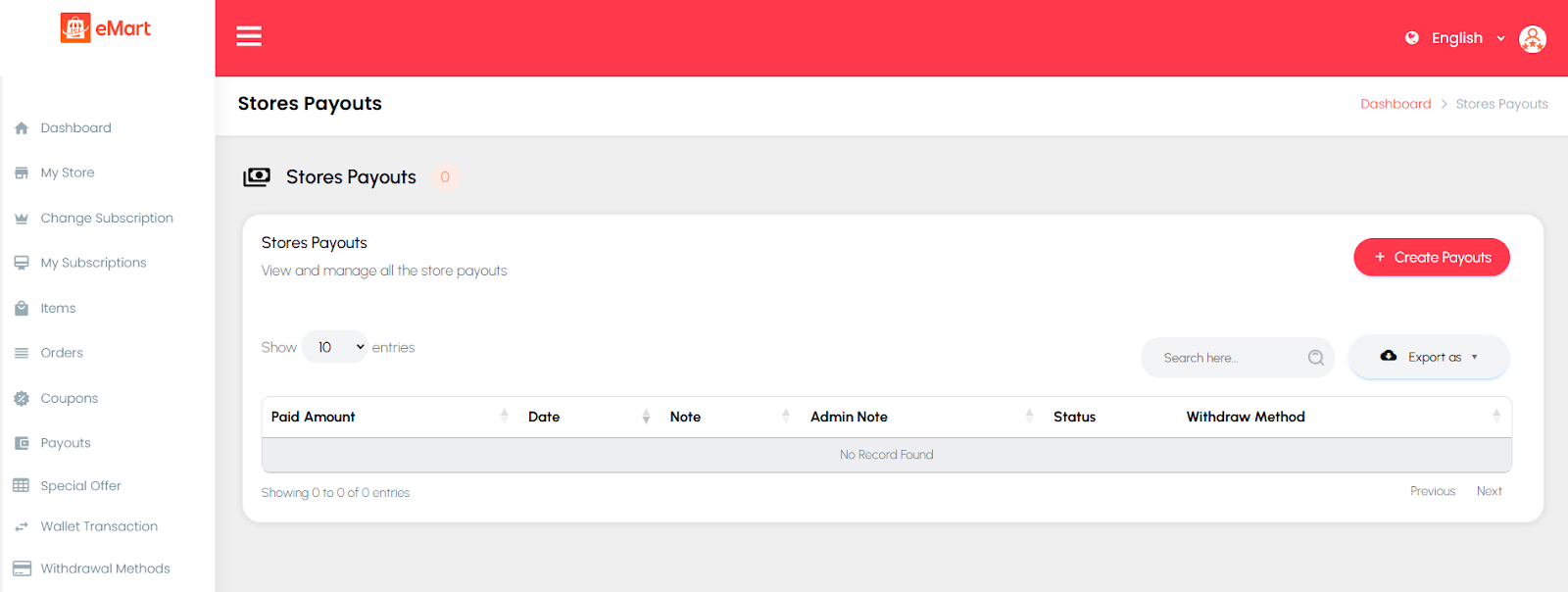
11.11. Payouts
Used to view the store’s earnings and payment disbursements from the platform. The vendor can check completed and pending payouts, commission details, and overall financial summaries.
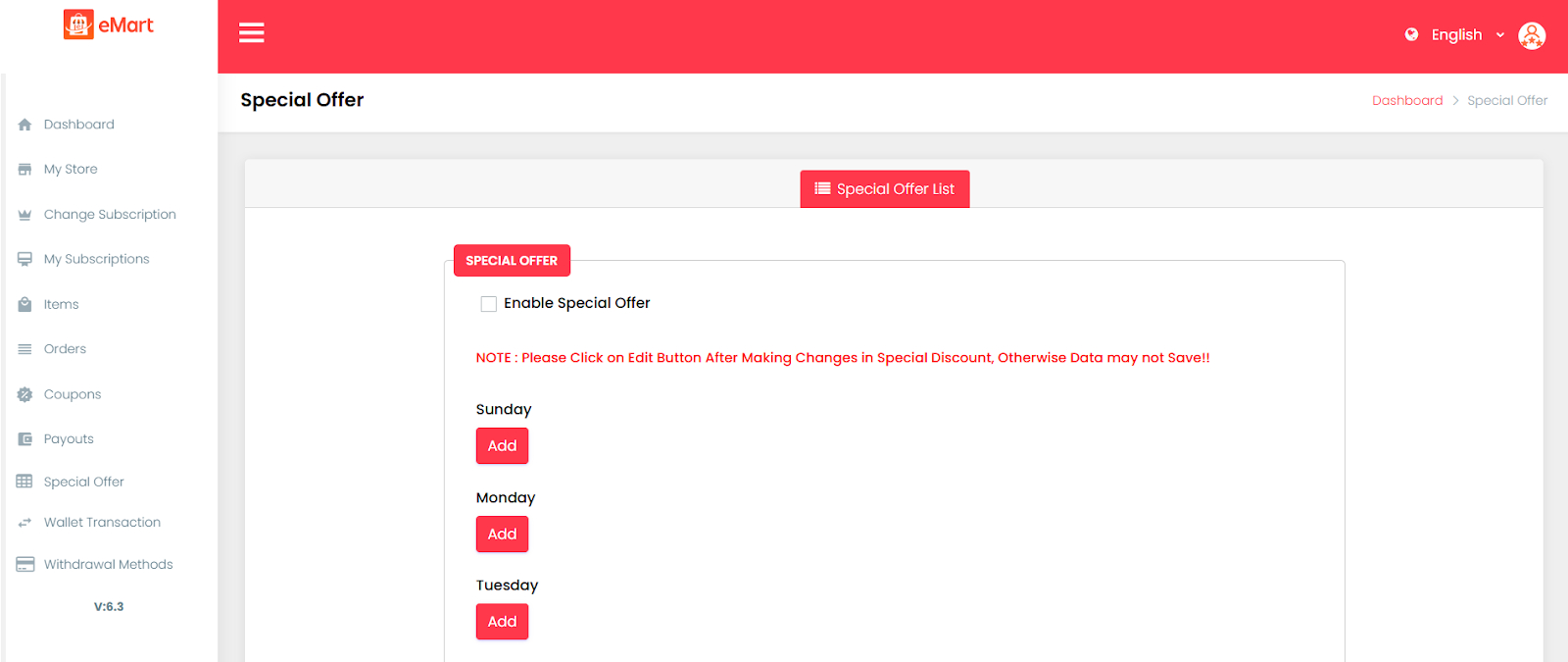
11.12. Special Offer
Used to create and manage limited-time offers or discounts on selected items. The vendor can set offer periods, discount percentages, and eligible products to increase visibility and sales.
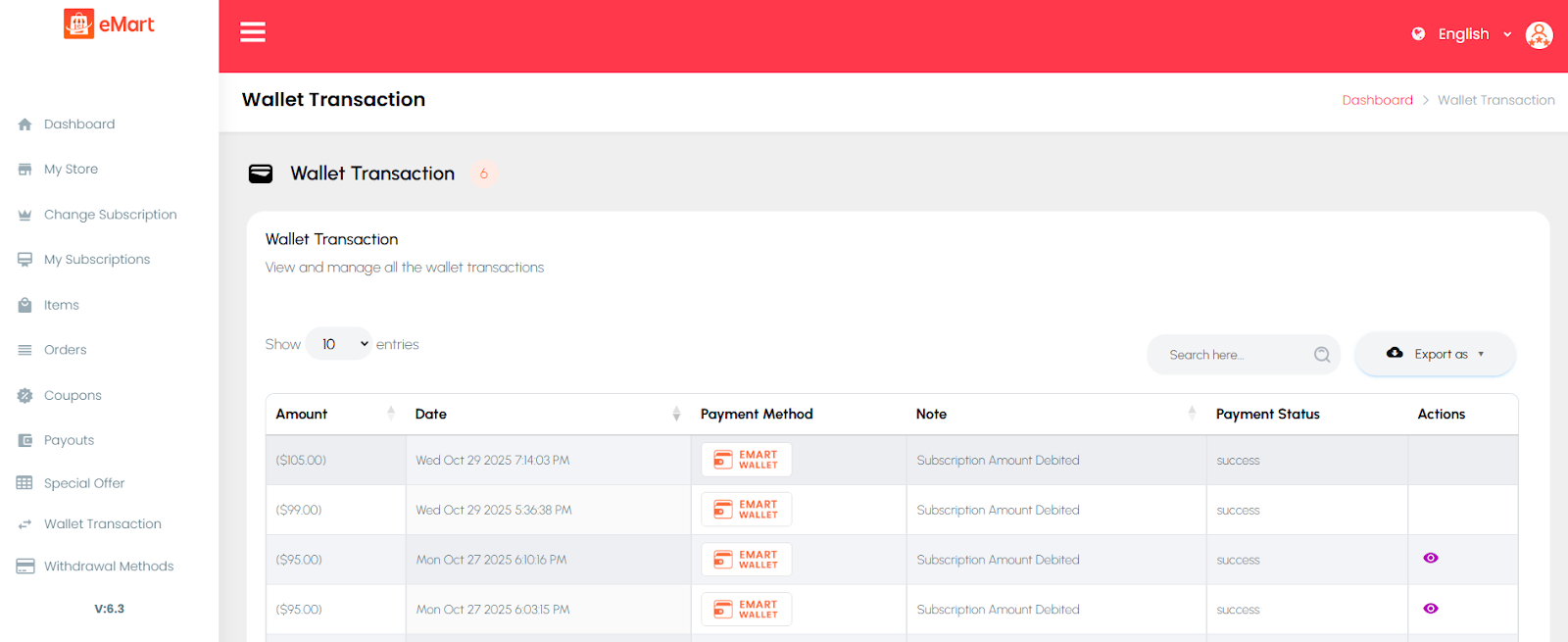
11.13. Wallet Transaction
Used to track all wallet-related transactions within the store account. The vendor can view credits, debits, refunds, and order-related adjustments for complete financial transparency.
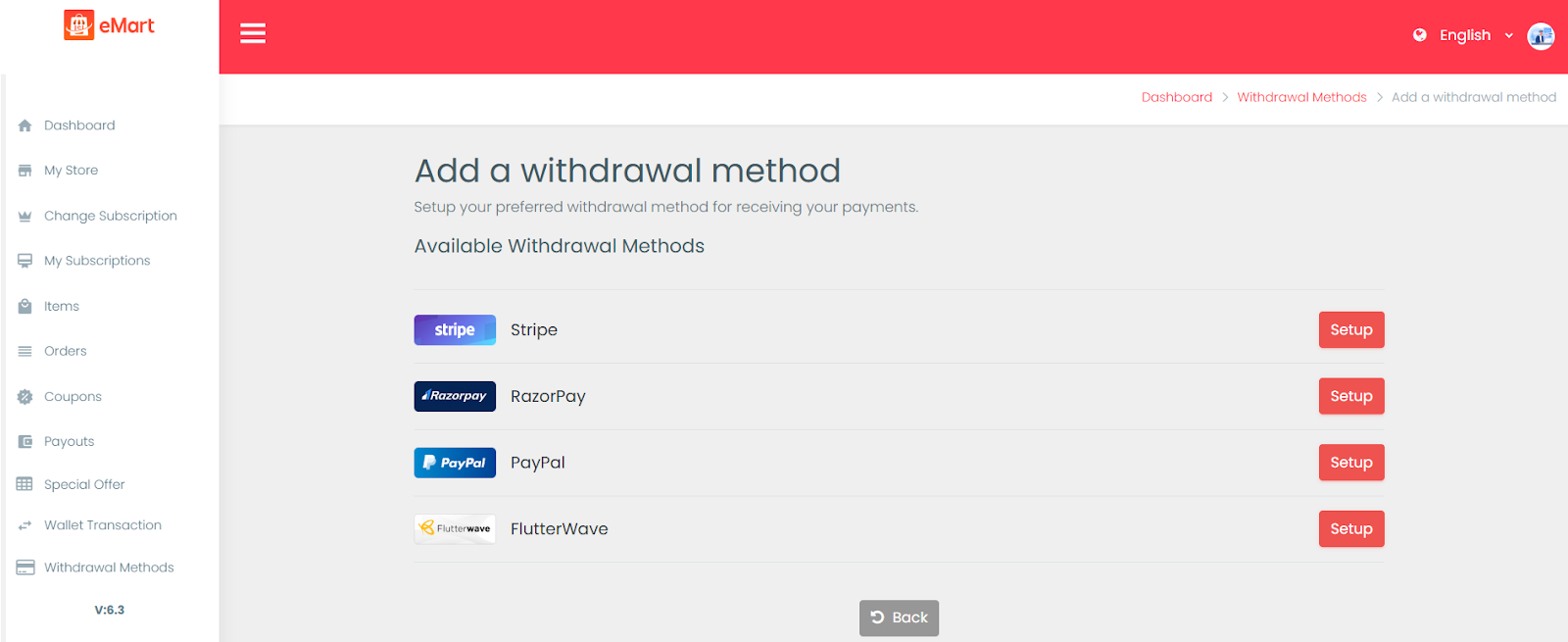
11.14. Withdrawal Methods
Used to manage payment methods for receiving payouts. The vendor can add or edit bank details, digital payment accounts, or other withdrawal options for smooth and secure fund transfers.