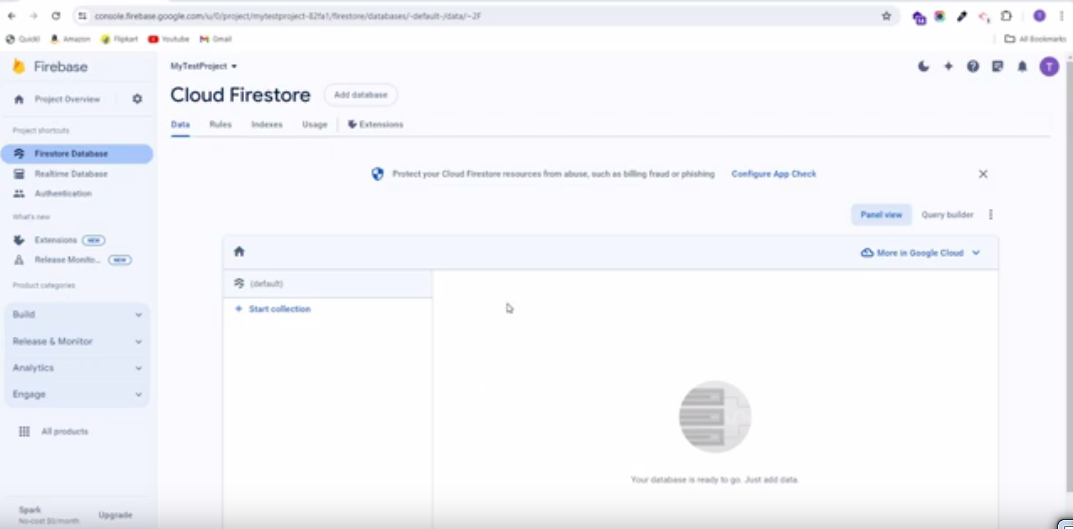
Firestore Database Collection Import / Export
To perform Firebase Collection Import Export, follow these straightforward steps:
6.1. To set up NPM on your computer, download Node.js from the following link: https://nodejs.org/en/download/ Node.js Download Page.
6.2. Unzip the source code file named “Firebase Import Export Collections.zip”
6.3. If you haven’t already created a Firebase project, set it up now.
6.4. Configure the credentials.json file, which you can obtain from your Firebase Project settings. Then navigate to the Service account, then select Node.js. Generate a new private key and wait until the key is created. It will automatically download and replace the current credentials.json file.
6.5. Navigate to the extracted Firebase Import Export Collections zip file path and then press and hold the Ctrl+Shift buttons. While holding them, right-click the mouse button, and select “Open PowerShell window here” from the context menu. This will open a PowerShell window where you can run the import/export command.
6.6. Execute the following commands to perform import/export operations for collections:
To import all collections, execute the following command:

To export all collections, execute the following command:

Once the export command is executed, the collections.json file will be downloaded.
Important Notes:
Prior to executing the above command, ensure that you have correctly updated your Firebase credentials in the credentials.json file.