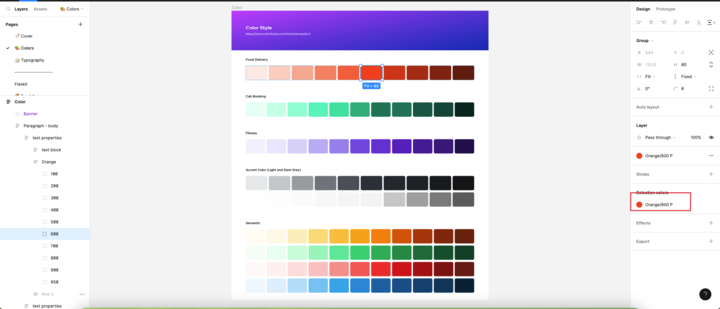
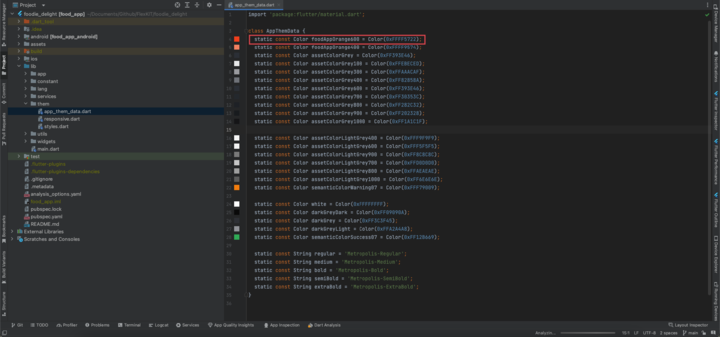
In Figma, you can use color styles to maintain consistency in your design and ensure that the same color is used throughout your project. Here’s how you can name your colors in Figma and then use those color names in your Flutter app’s app_theme_data.dart file to change the colors across your application
- Export Colors from Figma:
- Open your Figma file.
- Identify the colors you want to export and ensure they have distinct names.
- Change colors in application.
- Open
app_theme_data.dart. - Defined your color constants using the same names you used in Figma, and assign the corresponding color codes to them
- Open
By using color constants and maintaining the same color names in your Figma design and Flutter code, you can easily update your app’s colors by modifying the values in the app_theme_data.dart file, ensuring consistent and efficient color management across your application.