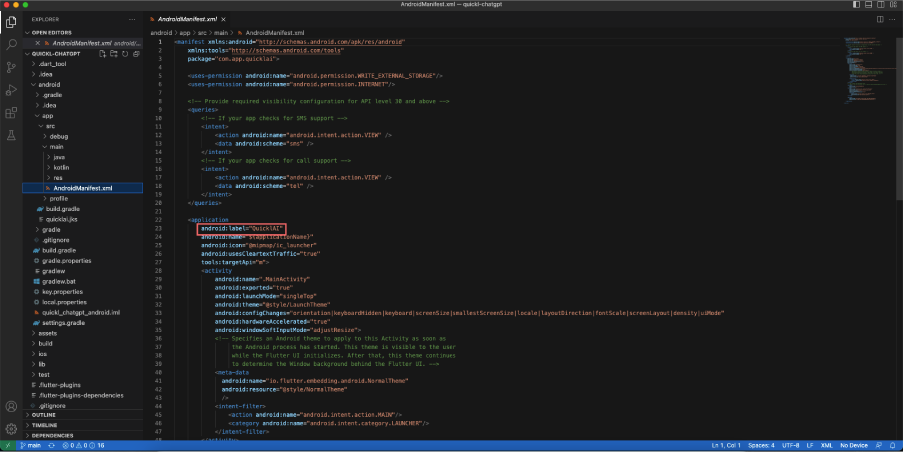
Change the value of label from /android/app/src/main/AndroidManifest.xml
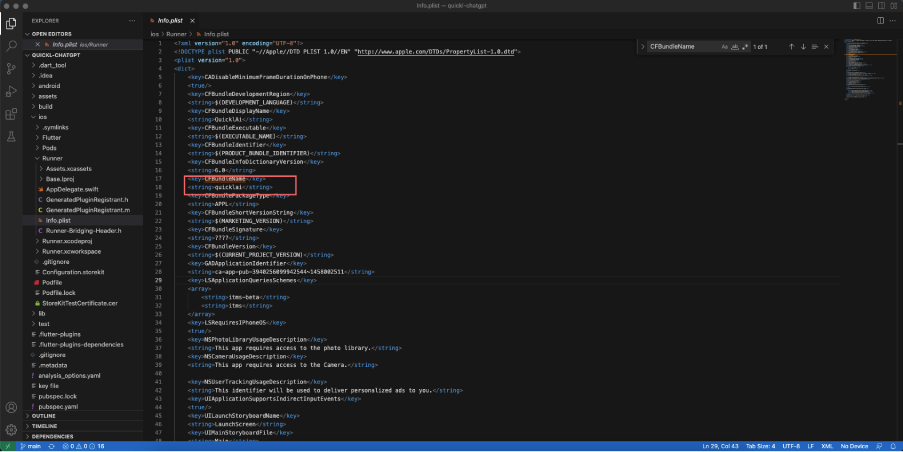
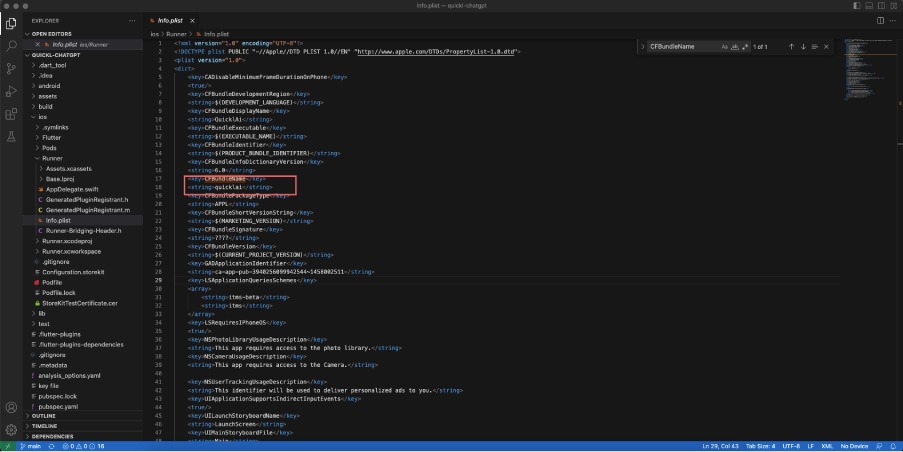
Change the value of CFBundleName from /iOS/Runner/info.plist
For subscription creation in android and ios please use the below youtube link
and also refer to the revenueCat documentation
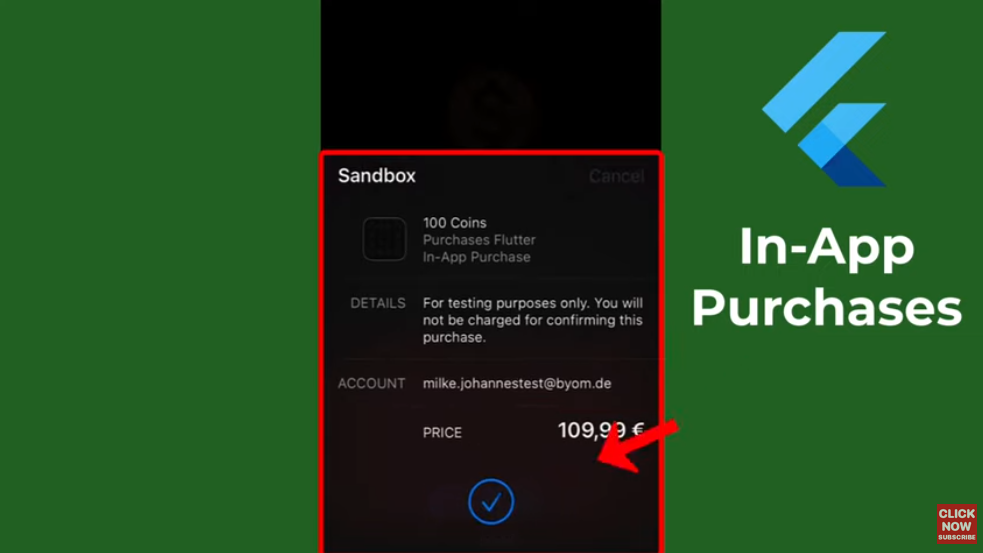
Revenuecat documentation :- https://www.revenuecat.com/docs
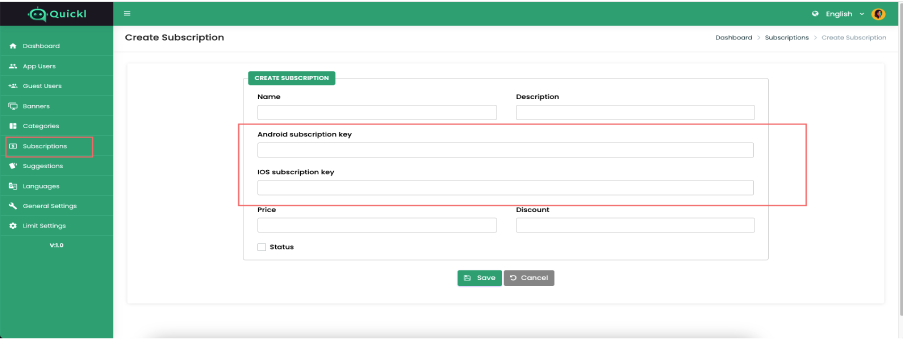
After generating Subscription key as per above video please add subscription key In
admin -> Subscriptions – > click on Create Subscription – > add here.
Please make sure every subscription plan key is different for both platforms (Android and IOS).
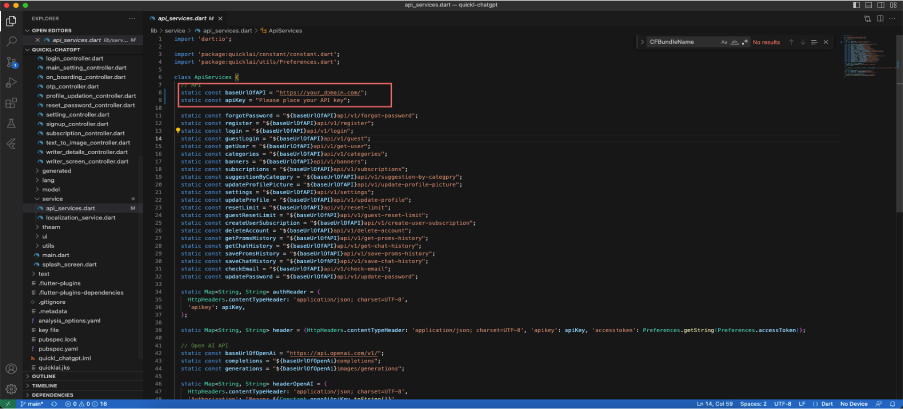
Must remember that don’t put slash(/) at the end of your base url. Use your admin url as base url. First you have to install your admin panel. For example: If your admin url is https://your_domain.com/admin then base url will be https://your_domain.com. Open /lib/service/api_services.dart and replace baseUrlOfAPI variable value with your own URL.
Also please replace api key apiKey. Please refer to the web document for how to create APIkey.
First you have to find out the existing package name. You can find it out from the top of the /app/src/main/AndroidManifest.xml file. Now on the right side of the project folder from VSCode. In the first box you have to put the existing package name that you saw in the AndroidManifest.xml file previously and write down your preferred package name in the second box and then click on Replace All button.
For debug build you can run command:
flutter build apk
You will get a larger merged apk with this. But you can split them with this command:
flutter build apk –target-platform android-arm,android-arm64,android-x64
–split-per-abi
Build file location: /build/app/outputs/flutter-apk/ For deploying it please follow this documentation: https://docs.flutter.dev/deployment/android
here is no general way to generate apps for iOS. Apple doesn’t allow you to install apps like this. If you want to install it on your iOS device then you have to deploy it on TestFlight or AppStore. For deploying it please follow this documentation:



