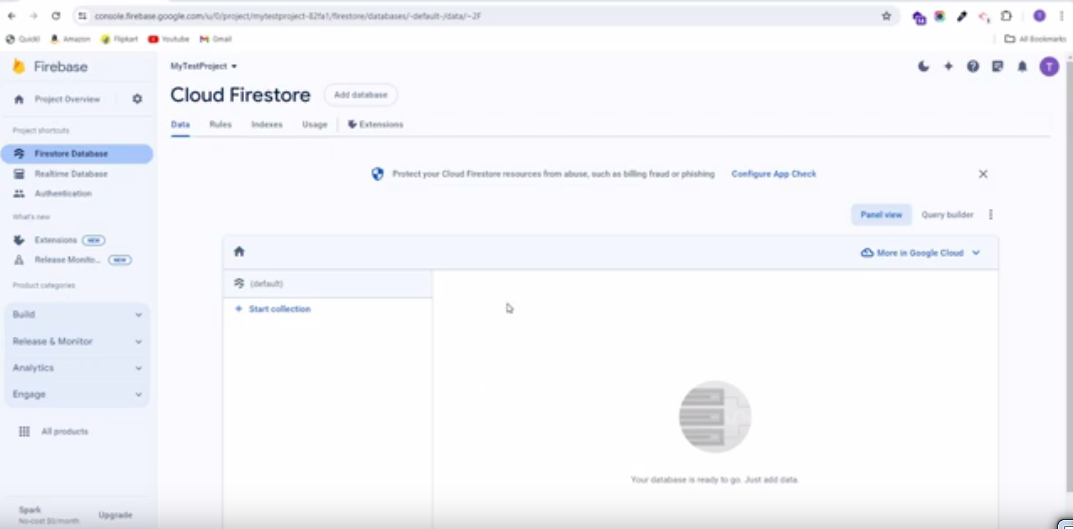
4. Firestore Database Collection Import Export
To perform Firebase Collection Import Export, follow these straightforward steps:
4.1 : Setup NPM in your Computer, you can download node JS from: https://nodejs.org/en/download/ here
4.2 : Extract source code of Firebase Import Export Collections.zip
4.3 : Setup Firebase Project if you have not created.
4.4 : Configure credentials.json file. you can get from forbase Project settings Go to > Service account > Select Node.js > Generate new private key Wait untill create key this will auto download and replace with current credentials.json
4.5 : Run the following commands for import/export collections
To import all collections, execute the following command:

To export all collections, execute the following command:

After running export command collections.json will be downloaded
Important Notes:
Before running the above command make sure you have properly updated your firebase credentials in your credentials.json file.