Step 1:
Step 1: Unzip and upload only the contents of quicko.zip to the root directory of your server. For example: /var/www/html/ or /home/yourusername/public_html or whatever is the root folder of your domain or subdomain. Which will make it reachable as follows: http://yourdomain.com
Step 2:
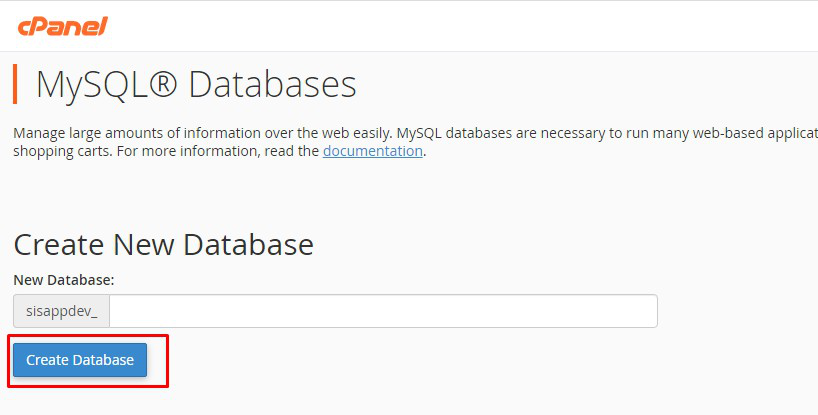
Create a new database from your server MYSQL database
Step 3:
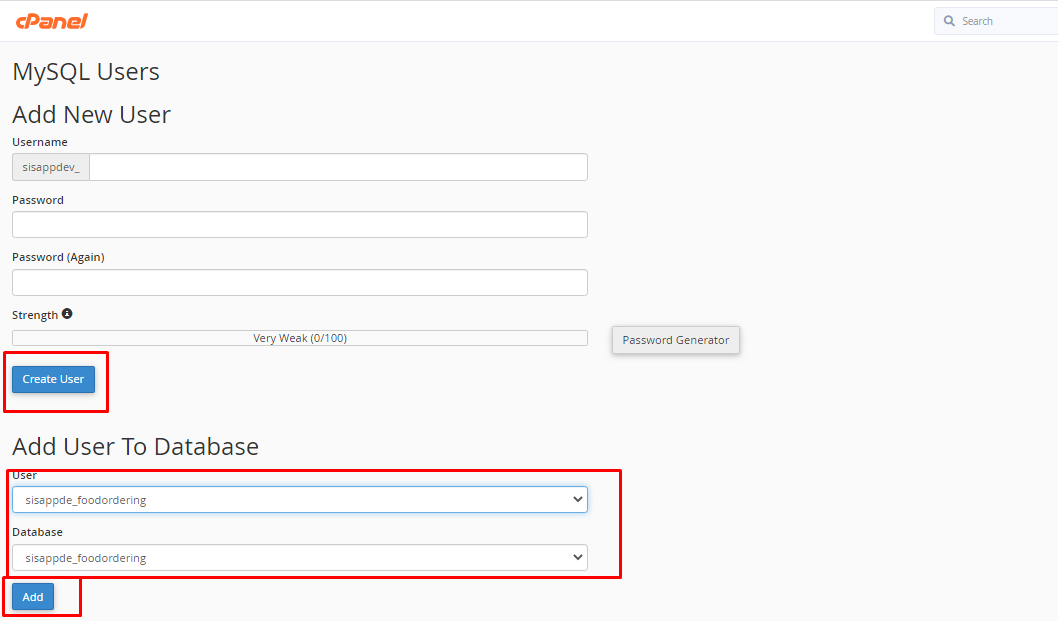
Create a DB user to the database and link that database to the DB user
Step 4:
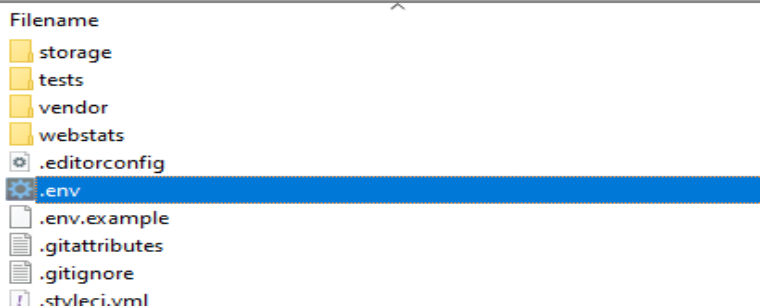
Update your database credentials (DB_DATABASE, DB_USERNAME &DB_PASSWORD) to.env file which exist at root path of admin panel
Step 5:
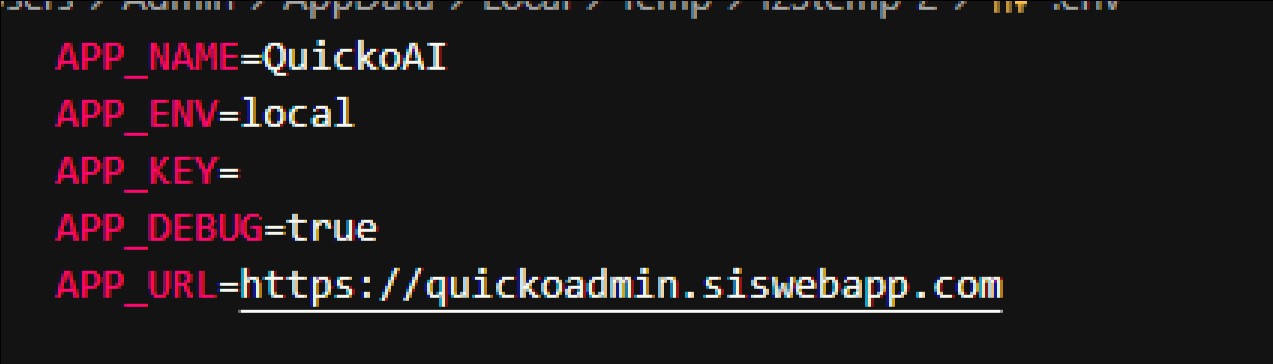
Update your APP_NAME & APP_URL In .env file
Step 6:
Run the following commands from your project root terminal
php artisan key:generate
php artisan migrate
php artisan permission:create-permission-routes
php artisan db:seed –class=FreshInstallationSeeder
Important Note:
Above all commands are compulsory to run one by one.



