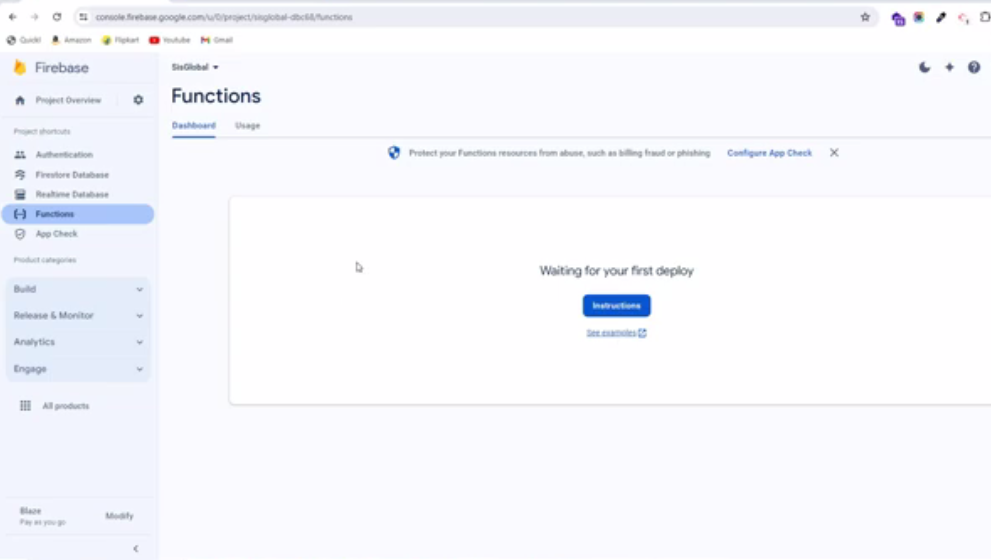
5. Deploy Firebase Cloud Functions
All the necessary Firebase Functions have been initially coded by us, you just need to deploy these functions to your own Firebase account. This means that you need to upload the source code inside the Firebase Functions folder to your account. If a Firebase account has been created, find a Firebase project, and 2 apps (iOS and Android)
5.1. Setting up Node.js and the Firebase CLI
For comprehensive guidance, refer to the official Firebase documentation on getting started: “Write, test, and deploy your first functions” in Cloud Functions for Firebase.
You’ll need Node.js and the Firebase CLI to write functions and deploy them to Cloud Functions.
To set up NPM on your computer, download Node.js from the following link: Node.js download. Once Node.js is installed, proceed to install the Firebase CLI.
Use the following command to install the CLI via npm:
npm install -g firebase-tools
If you’ve already set up the Firebase tools, you can simply run the following command:
npm install
These steps will ensure you’re ready to start writing and deploying functions with Firebase. If you encounter any issues, consult the Firebase documentation for troubleshooting assistance.
5.2. Initialize your project
To initialize the project, authenticate the Firebase tool by running the following command. You’ll be prompted to log in to your account via your web browser:
firebase login
5.3. Implementing Cloud Functions
Since we’re providing the complete source code for your Firebase Cloud Functions:
Extract the zip file Order Tracking Firebase Function.zip
Fill in the necessary credentials in the following files located within the zip:
.firebaserc(Add your Firestore Project ID)index.js(Add your Firestore database URL)serviceAccountKey.json(Add your Firebase service account credentials)
With these steps, you’ve successfully set up the required credentials.
5.4. Deploy Firebase Functions
Simply run the following command in the Order Tracking Firebase Function > functions directory.
firebase deploy --only functions
Now you can go to your Firebase Console and check, as the functions have been deployed. It is possible to see the logs for each function, understand the output, and know when it gets called.