11. Create Google Map API Key
11.1. Go to the Google Maps Platform
11.2. Click the Get Started button in the middle of the screen.
11.3. Click on the Google Cloud Platform home in the upper left corner.
11.4. Click on Billing to make sure your billing details are up-to-date. If they are not, your Google Maps will not work properly.
11.5. Once you’ve confirmed your billing is up-to-date, click on the Google Cloud Platform home in the upper left corner again.
11.6. Hover to APIs & Services and go to Credentials.
11.7. If you want to use an existing project, please select it from the list. Otherwise, select ‘Create a new project’ and enter a project name.
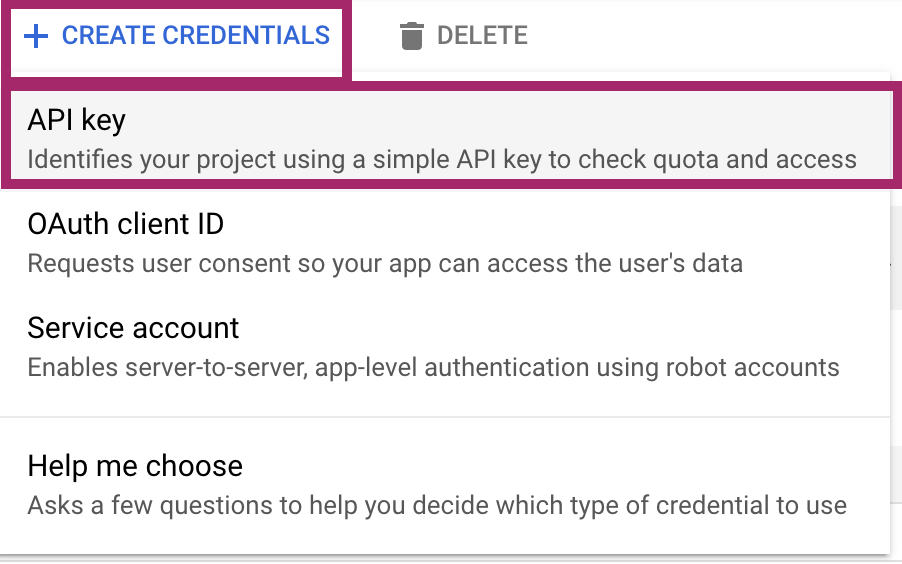
11.8. Click Create credentials and select API key. You will see a new dialog that displays the newly created API key.
11.9. Click the Close button in the API key dialogue. Your new API key will be listed on the Credentials page under API keys



