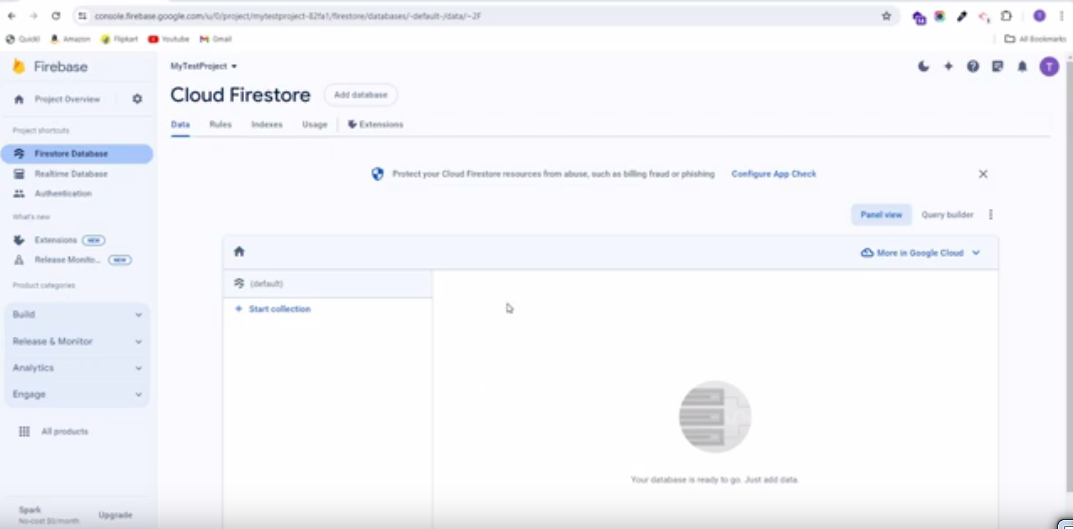
5. Firestore Database Collection Import Export
To perform Firebase Collection Import Export, follow these straightforward steps:
5.1 : To set up NPM on your computer, download Node.js from the following link: https://nodejs.org/en/download/ Node.js Download Page.
5.2 : Unzip the source code file named “Firebase Import Export Collections.zip”
5.3 : If you haven’t already created a Firebase project, set it up now.
5.4 : Configure the credentials.json file, which you can obtain from your Firebase Project settings. Then navigate to the Service account, then select Node.js. Generate a new private key and wait until the key is created. It will automatically download and replace the current credentials.json file.
5.5 : Navigate to the extracted Firebase Import Export Collections zip file path and then press and hold the Ctrl+Shift buttons. While holding them, right-click the mouse button, and select “Open PowerShell window here” from the context menu. This will open a PowerShell window where you can run the import/export command.
5.6 : Execute the following commands to perform import/export operations for collections:
To import all collections, execute the following command:

To export all collections, execute the following command:

Once the export command is executed, the collections.json file will be downloaded.
Important Notes:
Prior to executing the above command, ensure that you have correctly updated your Firebase credentials in the credentials.json file.