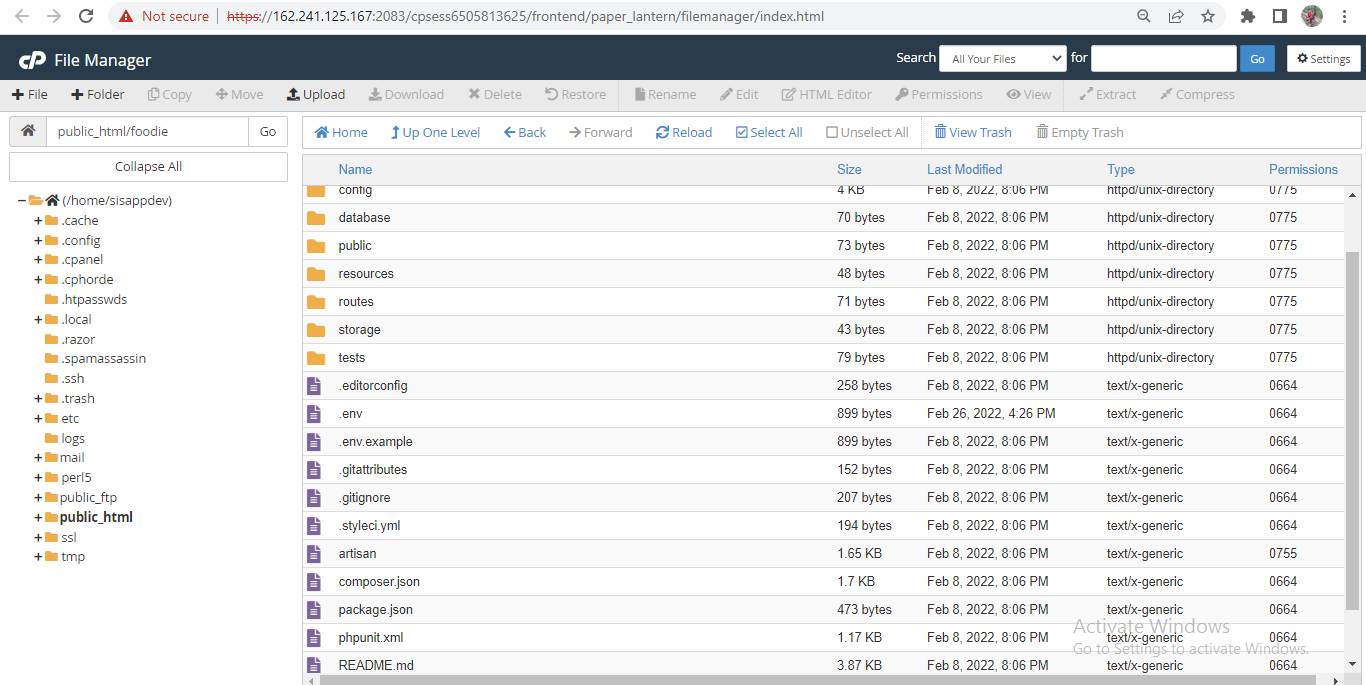
After downloading the code, upload the Admin zip file in your server following your expected directory and extract the zip file. Foodie admin panel can be installed on a domain or subdomain.
Note:
Don’t install the admin panel or web app in a subdirectory. If you want the web app in your main domain then you need to install the admin panel in a subdomain.
Add folder to a ZIP
After you have signed in to your Bluehost account, find the folder named /laravel_application zip it, and then use the file manager to upload this file inside your /public_html folder.
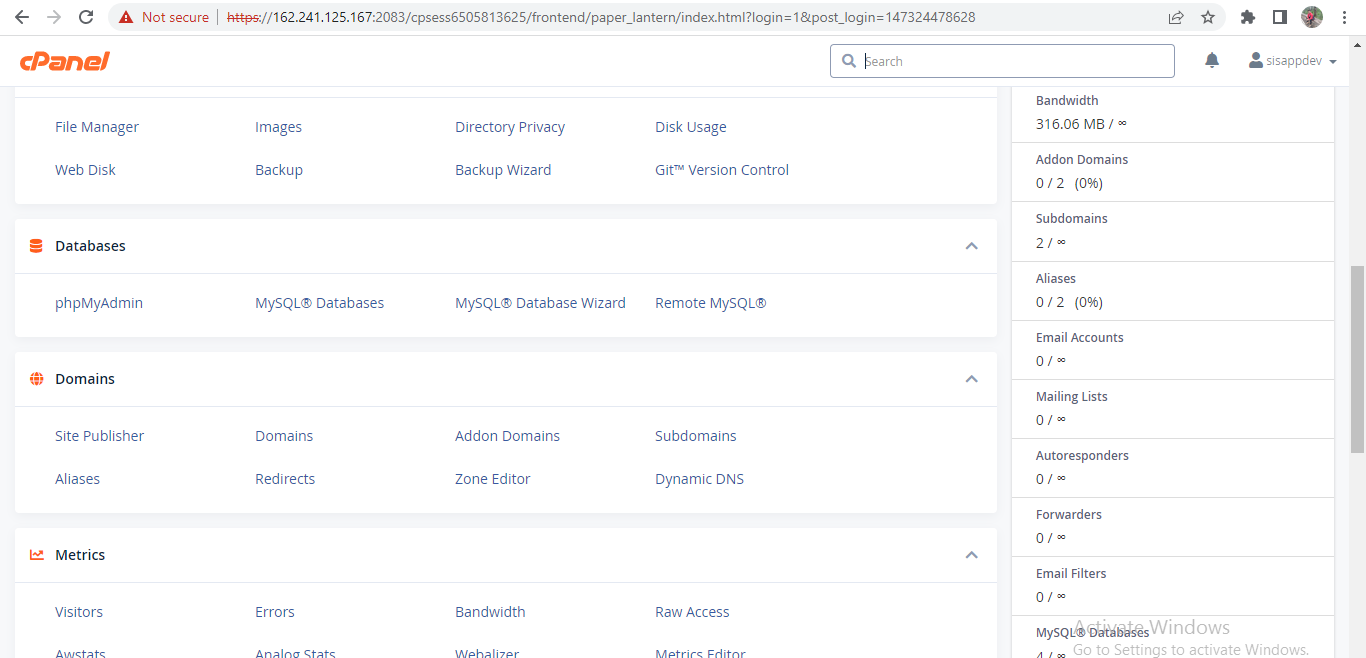
Extract the ZIP file
To get the files on your file manager, click right on your uploaded zip file and choose extract.